
Tool comparisons · 8 min read
HubSpot Forms vs Givloh for Lead Magnets
A plain-English comparison for service businesses deciding between HubSpot forms and Givloh for email-gated lead magnets and file delivery.
- HubSpot forms are powerful inside a wider CRM and marketing setup, while Givloh is built for the simpler job of hosting a resource, capturing an email, and delivering the file from a bio link.
- A service business that already runs HubSpot may prefer keeping forms inside that system. A business that wants a fast lead magnet page without building a stack may find Givloh easier to start with.
- The right choice depends on whether the business needs CRM depth now or a focused resource-to-lead workflow today.
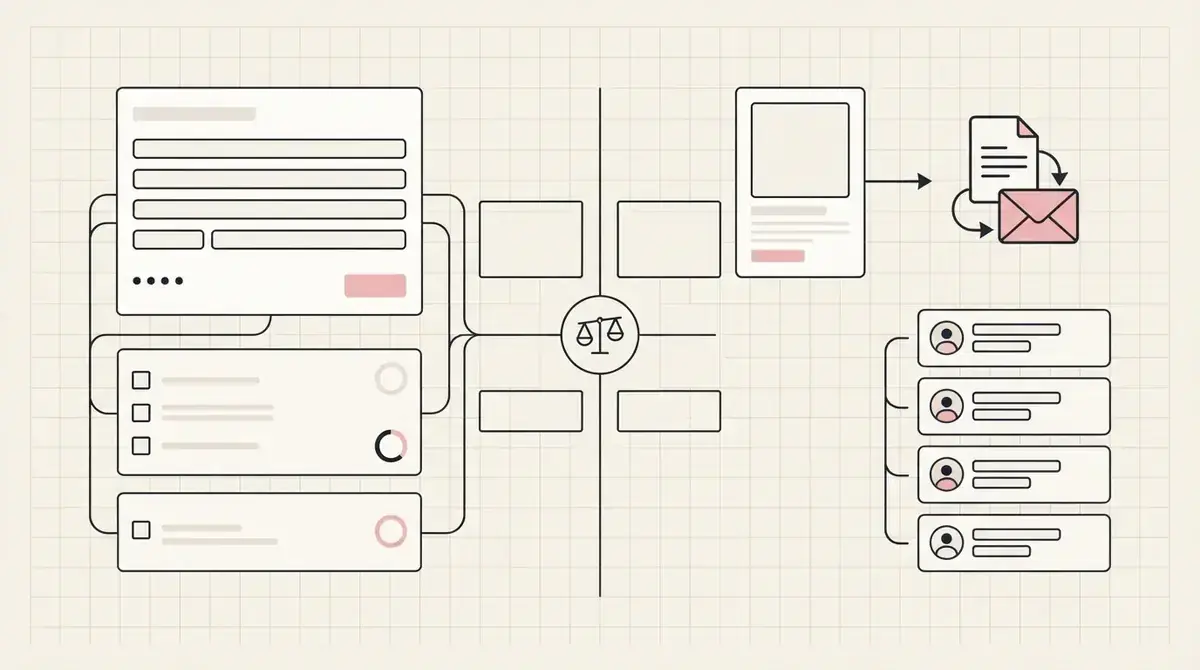
The main difference is workflow scope
HubSpot Forms sits inside a broader CRM and marketing platform. That can be useful for businesses with established pipelines, sales teams, and existing HubSpot processes.
Givloh is narrower by design. It focuses on the common service-business job: upload a resource, publish a professional page, capture the visitor email, deliver the file, and show the lead in a simple dashboard.
The comparison is not about which product has more total features. It is about which workflow a small service business is actually ready to operate.
Choose based on the job
- Choose HubSpot Forms when the lead magnet must feed an existing HubSpot CRM process.
- Choose Givloh when the business needs a simple resource page and file delivery path quickly.
- Choose HubSpot when multi-step automation and CRM reporting are already in place.
- Choose Givloh when social bio link lead capture is the immediate priority.
- Avoid building a complex stack before the business has proven the resource gets leads.
Setup complexity matters for owner-led service businesses
A large CRM can be the right system for a business that has the time and skills to configure it. For an owner-led service business, setup time can be the reason the lead magnet never launches.
The practical question is simple: can the owner publish the page, collect the lead, and deliver the file without connecting several tools?
If the answer is no, the business may need a focused lead magnet workflow before it needs a full marketing system.
The best lead capture tool is the one the business will actually set up before the next post goes live.
Givloh editorial note
File delivery is part of the lead magnet experience
A lead magnet is not just a form. The visitor also expects the promised file, guide, checklist, or template to arrive cleanly. If the business has to stitch together hosting, forms, automation, and delivery, there are more places to abandon setup.
Givloh combines the resource page, email gate, file delivery, and lead record in one focused flow. HubSpot can support sophisticated form and CRM workflows, but the exact file delivery setup may depend on how the business configures its assets and automation.
For a small service business, fewer moving parts can be the difference between launching and postponing.
Lead magnet pieces to account for
- A public page that explains the resource.
- A short email capture form.
- A reliable file delivery step.
- A lead record the business can review.
- A follow-up path tied to the resource topic.
When HubSpot is the better fit
HubSpot may be a better fit when the business already uses it as the source of truth for contacts, deals, email workflows, reporting, and sales activity. In that case, adding forms inside the existing system can reduce fragmentation.
It may also fit larger teams that need advanced segmentation, lifecycle stages, and integrated sales processes from the start.
The key is to make sure the extra capability is actually needed now, not just attractive in theory.
Decision check
- List the tools the business already uses for contacts and follow-up.
- Decide whether the first goal is CRM integration or fast lead magnet launch.
- Confirm who will configure and maintain the workflow.
- Choose the simplest setup that captures and delivers the resource reliably.
- Review after the first real leads arrive.
Use this as the starting checklist
- Clarify whether the business needs a CRM workflow or a focused lead magnet workflow.
- Account for the page, form, file delivery, lead record, and follow-up steps.
- Avoid paying for complexity before the resource has proven demand.
- Use HubSpot when the business already runs HubSpot as its operating system.
- Use Givloh when the priority is a fast social-to-resource lead capture path.
References and useful next reading
Givloh
Turn the resource into a lead capture page.
Upload a guide, checklist, template, or tool. Share one link. Capture the email before the download. No Mailchimp, Zapier, Drive permissions, or landing page builder.
Try Givloh freeFAQ
Is HubSpot Forms better than Givloh?
It depends on the workflow. HubSpot Forms is better inside an existing HubSpot CRM setup. Givloh is better suited to simple email-gated resource pages and file delivery for service businesses that want to launch quickly.
Can HubSpot Forms deliver lead magnets?
HubSpot can support lead magnet workflows, especially for teams already using its CRM and marketing tools, but the business still needs to configure the page, form, asset, and follow-up process.
Why would a service business choose Givloh instead of a CRM form?
A service business may choose Givloh when it wants one simple place to host the resource, capture email, deliver the file, and review leads without building a larger marketing stack first.