
Lead magnet comparisons · 8 min read
Microsoft Bookings vs Givloh for Lead Magnets
A plain-English comparison for service businesses deciding between sending social visitors to a booking page or first capturing leads through a useful resource.
- Microsoft Bookings is useful when the visitor is ready to schedule an appointment.
- Givloh is a better first step when the visitor needs a checklist, guide, worksheet, or planning resource before they are ready to book.
- Many service businesses can use both: Givloh for email-gated resource delivery, then a booking link in the follow-up when the lead is warmer.
Compare the real job
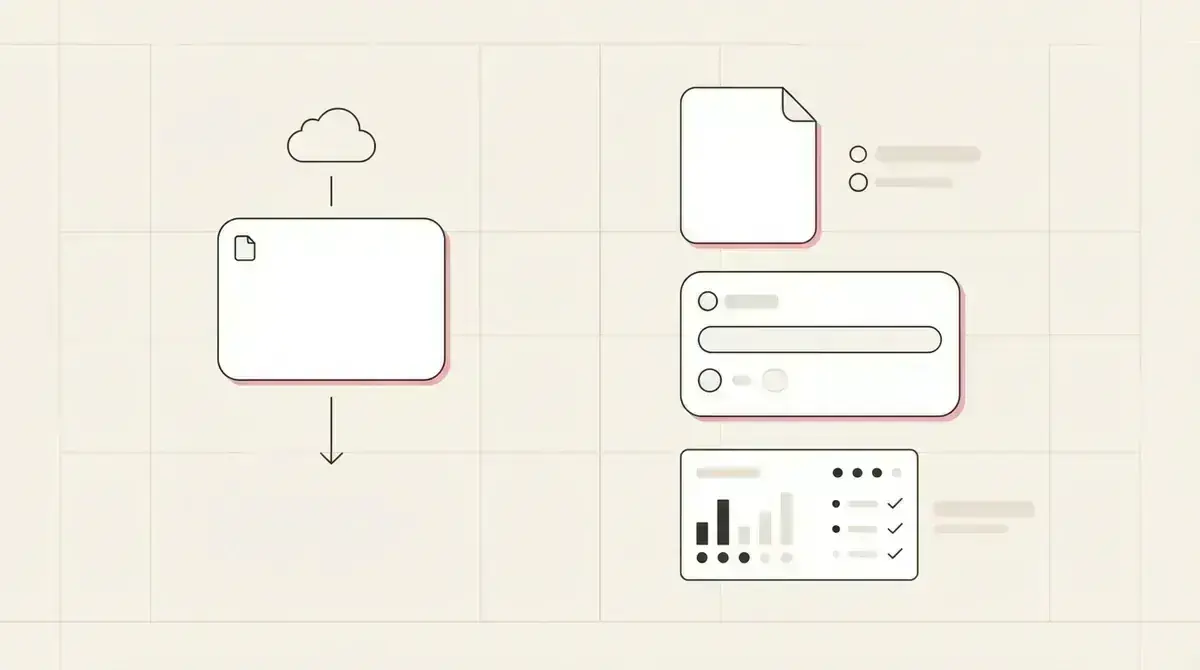
A booking page and a lead magnet page solve different moments. A booking page is for someone ready to choose a time. A lead magnet page is for someone still trying to understand their problem, options, preparation steps, or next decision.
That distinction matters for social traffic. Many people who tap from a bio, Facebook post, LinkedIn profile, or QR code are interested but not appointment-ready yet.
For the same booking-link decision with another scheduler, read Calendly vs Givloh for service business lead capture.
Use Microsoft Bookings when
- The visitor already knows they want an appointment.
- The business mainly needs calendar availability and scheduling.
- The call to action is a consultation, assessment, meeting, or service slot.
- The prospect has enough information to choose a time confidently.
Use Givloh when the visitor needs context first
A service business often needs a softer first step. A mortgage broker can offer a first-time buyer guide. A builder can offer a job site preparation checklist. A therapist can offer an intake preparation sheet. A painter can offer a room prep checklist.
Givloh is built for that exchange: upload the resource, publish one page, capture the email, deliver the file, and show the lead in a dashboard.
The goal is not to avoid bookings. It is to capture people who are not ready to book yet, then make the eventual booking more informed.
A booking link catches the ready-now visitor. A lead magnet catches the still-deciding visitor.
Givloh editorial note
Compare the workflow
| Job | Microsoft Bookings | Givloh |
|---|---|---|
| Show appointment availability | Strong fit | Not the main job |
| Host a focused resource page | Not the main job | Built for this |
| Capture email before file delivery | Requires a separate setup | Built into the flow |
| Deliver checklist, guide, or worksheet | Requires another file workflow | Built into the flow |
| Track which resource created the lead | Not the main job | Native to the workflow |
| Share from social bio or local posts | Works for booking-ready visitors | Works for resource-led campaigns |
Simple combined setup
- Use Givloh as the first link for useful resources.
- Capture the email before delivering the guide or checklist.
- Follow up based on the resource topic.
- Include a Microsoft Bookings link only when the next step is genuinely scheduling.
- Review which resources create better appointment-ready leads.
Avoid asking too much too soon
A booking page can feel like a big ask when the visitor only wanted a checklist. If the business sends every social click straight to scheduling, it may miss people who would have joined the list first.
Givloh keeps the first exchange smaller: email for useful resource. The business can still invite the person to book later, but the lead is no longer anonymous.
For comparison with a form-first setup, see Google Forms vs Givloh for lead capture.
Decision rule
- If the person is ready to choose a time, use a booking page.
- If the person needs information first, use a lead magnet page.
- If both are true, capture the resource lead first and offer booking in the follow-up.
- Do not make a booking form carry the whole resource delivery workflow.
Use this as the starting checklist
- Use Microsoft Bookings for appointment-ready visitors.
- Use Givloh for resource-led capture and automatic delivery.
- Do not send every social visitor straight to a calendar.
- Follow up with booking only when it fits the downloaded resource.
- Review leads by resource topic, not just booked appointments.
References and useful next reading
Givloh
Turn the resource into a lead capture page.
Upload a guide, checklist, template, or tool. Share one link. Capture the email before the download. No Mailchimp, Zapier, Drive permissions, or landing page builder.
Try Givloh freeFAQ
Is Microsoft Bookings good for lead magnets?
Microsoft Bookings is useful for scheduling appointments, but a service business still needs a focused resource page, email capture, file delivery, and lead context for a lead magnet campaign.
When is Givloh better than a booking page?
Givloh is better when the visitor needs a checklist, guide, worksheet, or planning resource before they are ready to schedule a call.
Can a business use Microsoft Bookings and Givloh together?
Yes. Use Givloh to capture the resource download, then include a booking link in a relevant follow-up when the prospect is ready for an appointment.