
Social lead generation · 8 min read
How to Build a One-Resource Bio Link System
A practical guide for service businesses that want a simple bio link built around one useful resource, email capture, file delivery, and follow-up.
- A one-resource bio link gives social visitors one clear action instead of a crowded menu of options.
- The system needs a useful resource, a short email form, automatic delivery, and a simple follow-up path.
- Start with one resource before adding more pages, links, or campaigns.
Start with one clear job
A service business bio link should not try to behave like a full website. The visitor has usually tapped from a post, a profile, or a short conversation. They need one clear next step, not a menu of every possible action.
The easiest first system is built around one useful resource. That might be a checklist, guide, worksheet, or preparation sheet tied to a customer problem the business already handles every week.
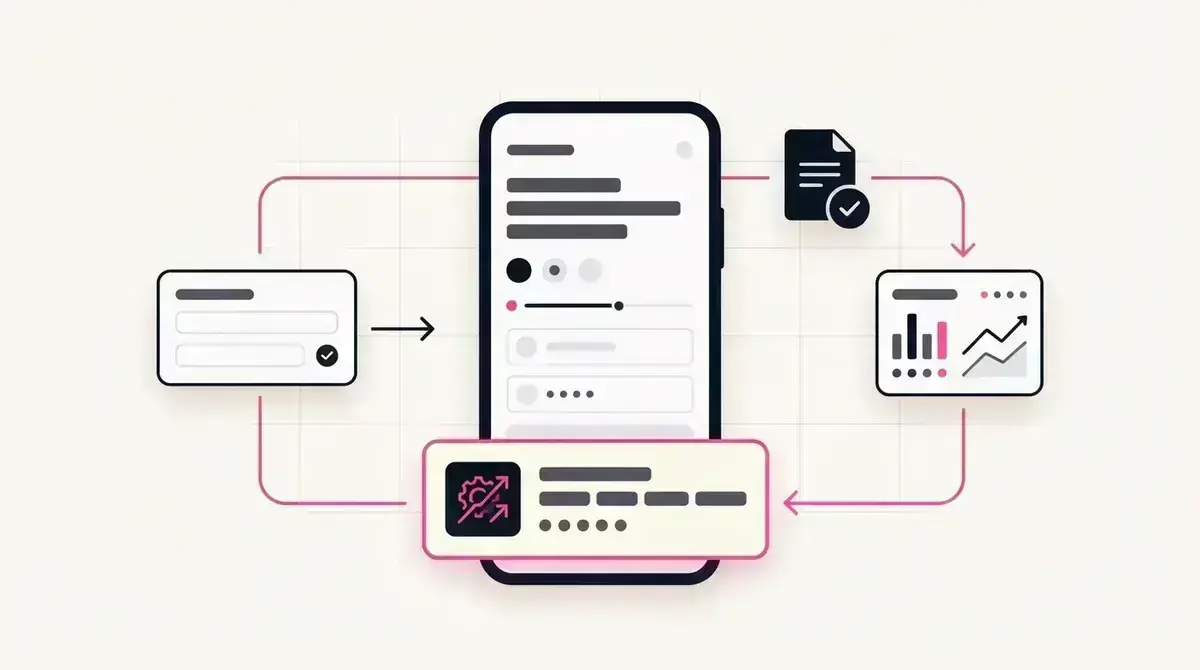
The job is simple: offer the resource, capture the email, deliver the file, and make the lead visible for follow-up.
A one-resource system works when it has
- One problem the audience already cares about.
- One downloadable resource that helps with that problem.
- One short email capture step before delivery.
- One follow-up message tied to the resource.
- One place to review the leads that came in.
Choose the resource before the page design
Many businesses start by redesigning the link page. That is backwards. The resource decides the page. A plumber offering an emergency leak checklist needs a different promise from a bookkeeper offering a receipt preparation worksheet.
Use a topic that naturally connects to a next conversation. If the download helps someone prepare for a quote, consultation, inspection, appointment, or review, it is probably a good fit.
For more resource angles, compare the lead magnets library with the broader guide on choosing a lead magnet.
The page is only as useful as the resource it offers.
Givloh editorial note
Keep the visitor path short
The visitor path should be easy to explain in one sentence: tap the bio link, request the resource, receive the file. Every extra choice adds a chance for the visitor to leave.
A short form is enough for the first version. An email address gives the business permission to follow up and keeps the friction low. More fields can wait until the resource has proven demand.
This is different from sending people to a generic homepage. A homepage explains the whole business. A resource page asks for one small commitment.
Simple build order
- Pick one resource tied to a repeated customer question.
- Write a plain title that says who it helps.
- Publish the resource behind a short email form.
- Share the link from the social profile and relevant posts.
- Follow up with one question related to the download.
Measure the first working loop
The first measurement is not traffic volume. It is whether the loop works. Can someone tap from social, understand the offer, enter their email, receive the file, and appear as a lead?
Once that works, the business can test new posts, captions, and resource topics. Without that loop, more social activity only creates more untracked attention.
Use the bio link audit guide after the first resource is live to spot where visitors may be dropping off.
Early signs the system is working
- People understand the resource without extra explanation.
- The form is short enough to complete on mobile.
- The file arrives without manual sending.
- The business can see which resource created the lead.
- Follow-up conversations mention the downloaded resource.
Use this as the starting checklist
- Choose one resource before redesigning the bio link.
- Make the page promise specific to one customer problem.
- Ask for email first, not a long intake form.
- Test the full download loop on mobile.
- Review lead quality before adding more resources.
References and useful next reading
Givloh
Turn the resource into a lead capture page.
Upload a guide, checklist, template, or tool. Share one link. Capture the email before the download. No Mailchimp, Zapier, Drive permissions, or landing page builder.
Try Givloh freeFAQ
Why use only one resource in a bio link?
One resource keeps the visitor path clear. It is easier to explain, easier to test, and easier to follow up from than a crowded list of unrelated links.
What should the first resource be?
Start with a checklist, guide, worksheet, or preparation sheet tied to a question customers already ask before they buy or book.
When should a business add more resources?
Add more resources after the first one proves that people will exchange an email for the download and that the business can follow up consistently.