
Lead magnet strategy · 8 min read
How to Turn an Estimate Template Into a Lead Magnet
A practical guide for service businesses that want to turn an estimate, quote, or project-cost template into an email-gated lead magnet.
- An estimate template can work as a lead magnet when it helps prospects understand what information a service business needs before pricing a job.
- The template should educate, qualify, and prepare the enquiry rather than promise an instant fixed price.
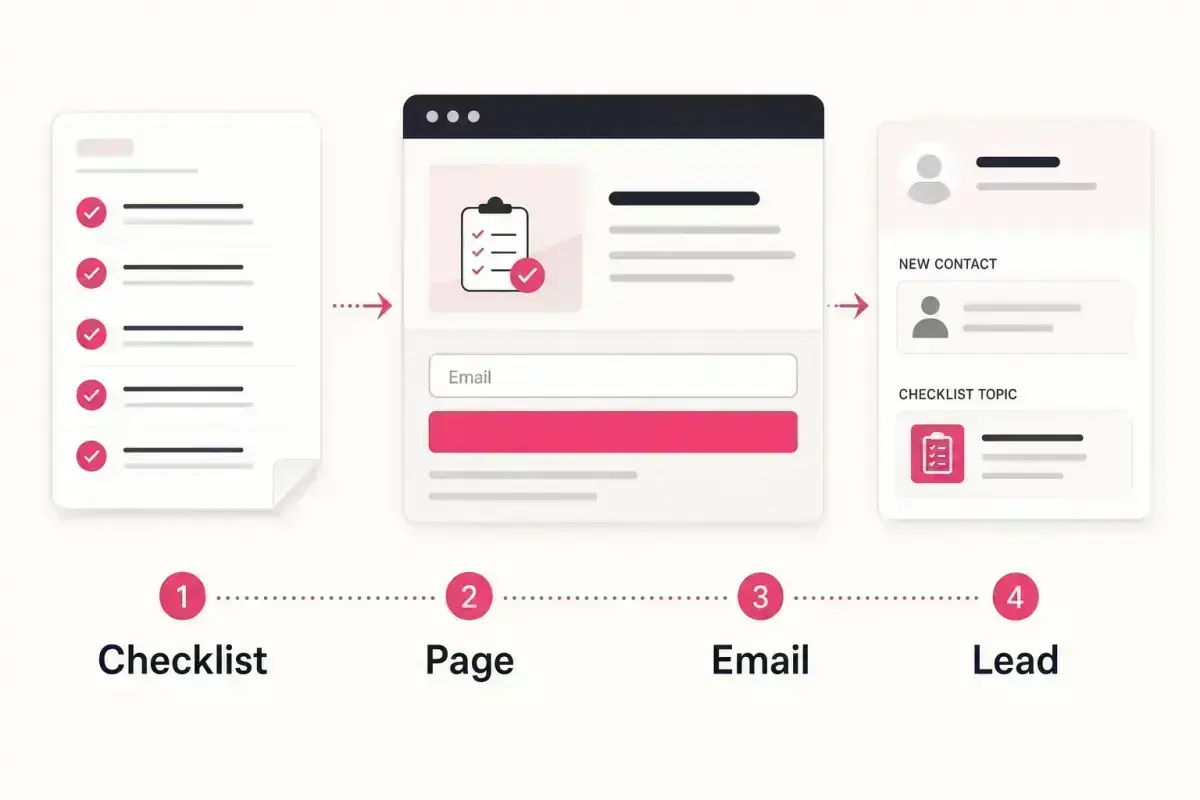
- Givloh can host the template, capture the email, deliver the file automatically, and save the lead for follow-up.
Use the template to prepare the enquiry
Many service businesses already have an estimate worksheet, quote request form, or project scoping template sitting inside their sales process. The public lead magnet version should not expose internal pricing logic. It should help the prospect gather the information a good estimate depends on.
That makes the resource useful before a sales call. A homeowner, founder, clinic manager, or business owner can download the checklist, understand what to prepare, and approach the conversation with fewer vague details.
This is closely related to how to turn a quote request form into a lead magnet, but the estimate template is usually more educational and less transactional.
Good estimate-template topics
- Project scope checklist for builders, decorators, landscapers, and kitchen fitters.
- Website project brief template for web designers and agencies.
- Home improvement estimate prep sheet for roofers, solar installers, and HVAC companies.
- Consulting scope worksheet for business coaches, HR consultants, and marketing agencies.
- Service comparison worksheet for buyers choosing between repair, replacement, or phased work.
Remove anything that creates pricing risk
The lead magnet should not imply a final quote without inspection, discovery, compliance checks, or professional review. For many service businesses, the safer promise is preparation: this template helps you understand what we need before we can estimate properly.
Avoid publishing a calculator that suggests a guaranteed price unless the business is prepared to stand behind it. A cautious estimate template asks questions, explains variables, and makes the next conversation easier.
For broader content quality, Google Search Central guidance is a useful reminder to create pages that serve the reader rather than pages built only around a keyword.
A good estimate lead magnet reduces uncertainty without pretending the full job can be priced from one form.
Givloh editorial note
Turn the internal worksheet into a public resource
Start with the version the business already uses. Remove private fields, internal scoring notes, and price assumptions. Keep the questions a prospect can answer before they speak to the business.
Then add a short explanation beside each section. The explanation is what makes the template useful. It shows why access, measurements, photos, deadlines, budget ranges, or decision makers affect the estimate.
For a more creative-service example, compare this with how to turn a project brief template into a lead magnet.
Simple conversion process
- Copy the internal estimate or quote-prep worksheet.
- Remove private pricing rules and internal notes.
- Rewrite each field in plain customer language.
- Add a short note explaining why the field matters.
- Export the resource as a clean PDF, worksheet, or spreadsheet template.
- Publish it through Givloh and use the download as the first lead signal.
Follow up with context, not pressure
The first follow-up should reference the template and ask whether the person wants help completing it. That is a better next step than immediately chasing a booking or sending a generic sales email.
If the lead has filled in part of the template, ask for the missing context. If they only downloaded it, offer one useful pointer based on the most common estimate mistake in that service category.
For the next step after download, use how to follow up after a lead magnet download.
Follow-up prompts that work
- Did you want help deciding which parts of the template apply to your project?
- Is this for work you are planning now or research for later?
- Do you already have photos, measurements, or access notes ready?
- Would it help if we reviewed the completed template before giving next steps?
Use this as the starting checklist
- Start with an internal estimate worksheet the business already trusts.
- Remove pricing rules that could be misunderstood out of context.
- Explain what information affects the estimate.
- Use Givloh to capture the email before delivery.
- Follow up by helping the lead complete the template.
References and useful next reading
Givloh
Turn the resource into a lead capture page.
Upload a guide, checklist, template, or tool. Share one link. Capture the email before the download. No Mailchimp, Zapier, Drive permissions, or landing page builder.
Try Givloh freeFAQ
Can an estimate template be a lead magnet?
Yes. It works well when it helps prospects prepare the information a service business needs before giving a proper estimate.
Should the template include prices?
Usually not as fixed promises. A cautious template explains the variables that affect pricing and invites a proper review.
What format should the estimate template use?
A short PDF, editable worksheet, or spreadsheet template can work. The best format is the one the prospect can complete before a call or site visit.