
Lead magnet comparisons · 8 min read
Tally Forms vs Givloh for Lead Magnets
A plain-English comparison for service businesses deciding between Tally forms and Givloh for email-gated resources, file delivery, and lead follow-up.
- Tally is a flexible form builder that can collect responses and files through forms.
- Givloh is built for a narrower service-business job: host a resource page, capture the email before delivery, send the file, and record the download as a lead.
- Choose Tally when the form itself is the product of the workflow. Choose Givloh when a fast lead magnet page and file delivery flow is the main outcome.
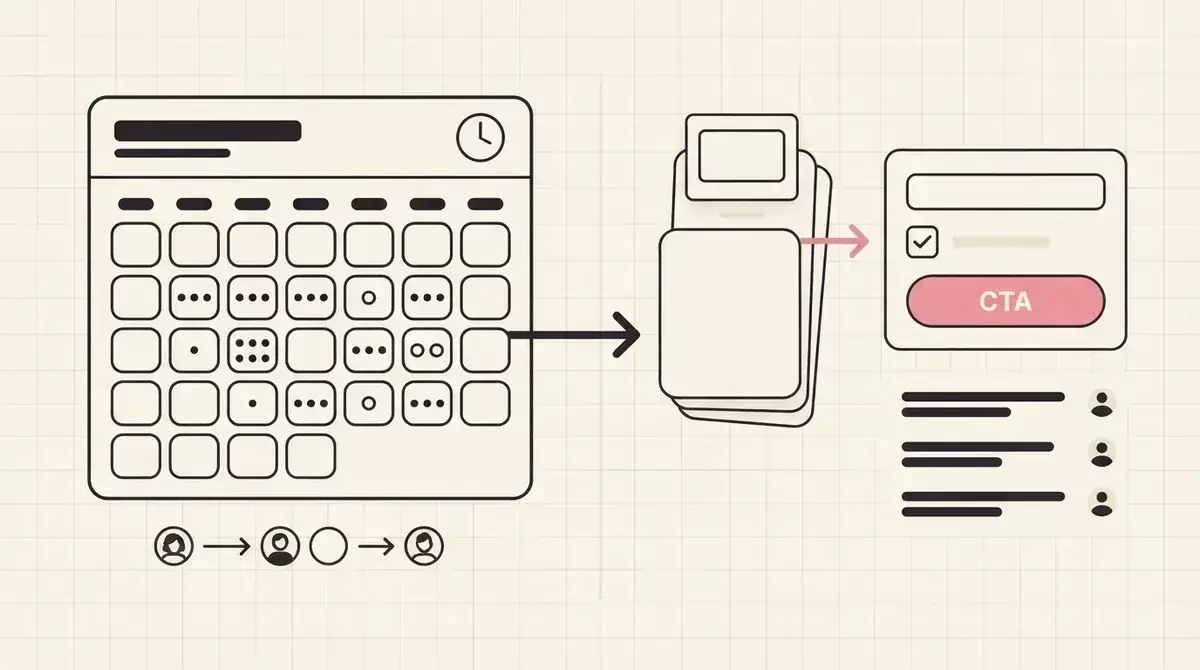
Tally starts with form building
Tally is useful when a business wants to build a form quickly: surveys, sign-up forms, requests, applications, intake forms, feedback, and file upload forms. That flexibility is the point. The business decides what fields to ask, where to embed the form, and what happens after submission.
For a service business, that can be a good fit when the goal is structured data collection. A consultancy might need a detailed application form. A hiring service might need documents. A clinic or professional firm might need careful intake handled through the right process.
A simple lead magnet is different. The business may only need one public page, one downloadable checklist, one email field, automatic delivery, and a place to see the resulting lead.
Use Tally when
- The form questions are the main workflow.
- You need a flexible survey, request form, intake form, or application form.
- Your team is comfortable deciding the page, delivery, notification, and follow-up path.
- You need file upload or custom field behaviour inside a form-first process.
- The downloadable resource is not the main thing being requested.
Lead magnets need more than a form
A lead magnet needs a resource promise, a credible public page, a short email gate, file delivery, lead storage, and follow-up context. A form can collect the email, but the business still has to decide how the resource is hosted, how the file is delivered, and where the lead record lives.
Givloh is intentionally focused on that one job. The service business uploads a resource, publishes a capture page, shares one link, and sees who requested the file. It avoids the small stack that often forms around a simple PDF: page builder, file host, form tool, email tool, and spreadsheet.
For another form-based comparison, read Airtable Forms vs Givloh for lead magnets.
Tally is good when you need a form. Givloh is better when the business needs a lead magnet system around a file.
Givloh editorial note
Compare the setup path
The table is the practical distinction. Tally can be part of a custom capture flow. Givloh removes the surrounding setup when the business simply wants to share a guide, checklist, template, or worksheet from a social bio link.
| Need | Tally forms | Givloh |
|---|---|---|
| Public resource page | Build or embed around the form | Included with the uploaded resource |
| Email capture | Form field | Built into the download flow |
| File delivery | Configure separately or through form workflow | Automatic resource delivery |
| Lead context | Depends on form setup and destinations | Lead tied to the requested resource |
| Best fit | Flexible forms and intake | Service-business lead magnets |
Two practical routes
- Tally: build the form fields and response destination.
- Add or embed the form on a public page that explains the resource.
- Configure file hosting, delivery, notifications, and follow-up records.
- Givloh: upload the resource, publish the capture page, and share one link.
- Review leads by resource after downloads arrive.
Choose based on who owns the workflow
Choose Tally when someone in the business wants control over form structure, branching, file uploads, embeds, and destinations. It is useful for operations workflows and richer intake where the form matters as much as the resource.
Choose Givloh when the owner wants the simplest working version of service-business lead capture: a hosted resource page, email gate, automatic delivery, and lead list. That is usually the cleaner route for social profile traffic and small-business lead magnets.
Whichever route the business chooses, it should explain what the visitor will receive and how the email may be used. A resource request should not quietly become unrelated marketing permission.
Use Givloh when you want
- A focused page for one downloadable resource.
- Email capture before file delivery.
- Automatic delivery without a separate file-sharing setup.
- A lead record tied to the requested guide, checklist, template, or worksheet.
- One link for social profiles, posts, referral partners, and QR codes.
Use this as the starting checklist
- Choose Tally when flexible form building is the main requirement.
- Choose Givloh when a service-business lead magnet page and file delivery flow is the main requirement.
- Keep the first lead magnet form short unless detailed intake is essential.
- Test the public page, file access, delivery path, and lead record before sharing.
- Explain clearly how the visitor's email will be used.
References and useful next reading
Givloh
Turn the resource into a lead capture page.
Upload a guide, checklist, template, or tool. Share one link. Capture the email before the download. No Mailchimp, Zapier, Drive permissions, or landing page builder.
Try Givloh freeFAQ
Can Tally forms be used for lead magnets?
Yes. Tally can collect email addresses and form responses, but the business still needs to handle the public resource page, file delivery, lead storage, and follow-up workflow.
When is Tally better than Givloh?
Tally is a better fit when flexible form building, branching, file uploads, or structured intake are the main requirements.
When is Givloh better than Tally?
Givloh is a better fit when a service business wants to upload a resource, share one public link, capture an email before delivery, and see the resulting lead without assembling multiple tools.