
Lead magnet comparisons · 8 min read
WeTransfer vs Givloh for Lead Magnets
A plain-English comparison for service businesses deciding between a WeTransfer transfer link and Givloh for lead magnet delivery and capture.
- WeTransfer is designed to send files by email transfer or shareable link. That is useful when the sender already knows who needs the file or mainly needs a transfer route.
- Givloh is built for a different service-business job: present a public resource, capture the visitor's email before delivery, and record the request as a lead.
- Use WeTransfer for direct file transfer. Use Givloh when the resource itself should attract, identify, and qualify a potential customer.
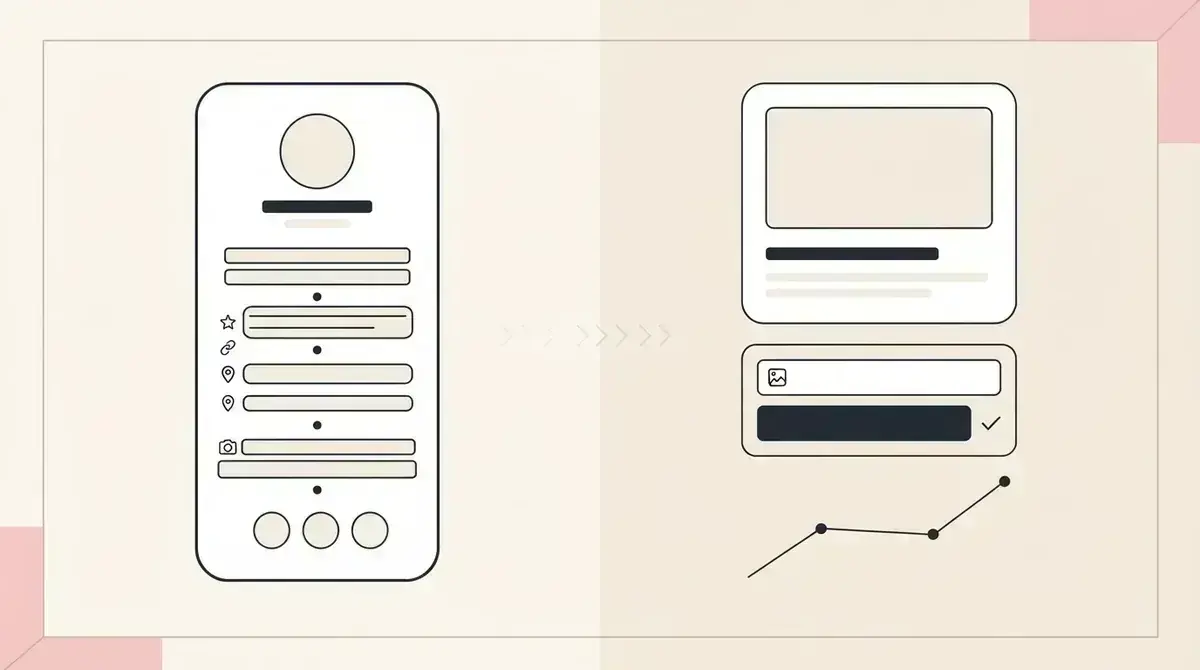
WeTransfer solves the transfer step
WeTransfer lets a sender upload files and use an email transfer or create a link to share. Its official help explains that the sender distributes a link transfer through the channel they choose.
That makes sense for sending project files, photography selections, large documents, or other material to a known client, colleague, or recipient.
A public lead magnet needs a step before the transfer: explain the resource and identify the person requesting it.
Use WeTransfer when
- The recipient is already known.
- The main task is sending a file or group of files.
- The sender will distribute the email or link directly.
- A public resource page is not needed.
- Capturing a new lead is not the purpose of the transfer.
A lead magnet begins before file access
When a service business shares a free checklist from Instagram, LinkedIn, Facebook, a Google Business Profile post, or a QR code, it may not know the visitor yet. Sending that visitor straight to a transfer link can deliver the file without creating a clear lead record.
The lead magnet page should name the problem, show what the resource contains, collect the email, and deliver the requested file. It should also tell the business which resource started the enquiry.
Givloh combines those steps in one hosted workflow rather than requiring the owner to join a transfer link to a separate page, form, and lead list.
Two different workflows
- WeTransfer: upload files and choose an email transfer or link transfer.
- The sender shares the transfer with intended recipients.
- Givloh: upload one lead magnet and publish its capture page.
- The visitor enters an email before the resource is delivered.
- The business sees a lead tied to that resource.
Choose based on the relationship before the click
A photographer sending final files to an existing client or an architect transferring a large drawing pack may need a direct file-transfer tool. Those recipients already have a relationship with the business.
A painter offering a preparation checklist or a web designer sharing a project brief template is dealing with an earlier stage. The visitor may be anonymous until the resource request creates a reason to start a conversation.
For a similar decision involving cloud storage, read Google Drive vs Givloh for lead magnets.
File transfer moves a document to a recipient. Lead capture identifies a potential customer before the document is delivered.
Givloh editorial note
Keep delivery and marketing permission distinct
Whether the file arrives through a direct transfer or a lead magnet page, the recipient should understand what they are receiving and who sent it. Do not disguise unrelated promotional messages as delivery updates.
With Givloh, the email gate can be used to deliver the specific requested resource. If the business also wants to send ongoing marketing, that choice should be presented clearly and handled under the rules that apply to the recipient.
For a practical first response after the download, use how to follow up after a lead magnet download.
Use Givloh when you want
- A focused public page for one useful resource.
- Email capture before automatic file delivery.
- A named lead tied to the resource requested.
- One link for social posts, profiles, referrals, and QR codes.
- A simple follow-up path for a service enquiry.
Use this as the starting checklist
- Use WeTransfer when direct file transfer is the main job.
- Use Givloh when a public resource request should create a lead.
- Explain clearly what file the recipient will receive.
- Keep the capture page focused on one resource and one action.
- Separate resource delivery from optional ongoing marketing.
References and useful next reading
Givloh
Turn the resource into a lead capture page.
Upload a guide, checklist, template, or tool. Share one link. Capture the email before the download. No Mailchimp, Zapier, Drive permissions, or landing page builder.
Try Givloh freeFAQ
Can WeTransfer deliver a lead magnet?
It can transfer the file by email or link, but a transfer alone does not provide the same focused public capture page and resource-linked lead record.
When is WeTransfer a better fit than Givloh?
WeTransfer is a better fit when the recipient is already known and the main task is sending files rather than attracting and capturing a new lead.
Why use Givloh for a service-business lead magnet?
Givloh presents the resource, captures the visitor's email before delivery, sends the file automatically, and records which resource started the lead.