
Local lead generation · 8 min read
How to Capture Leads From a Google Business Profile Post
A practical guide for service businesses that want Google Business Profile updates to send people to a useful resource and capture the email before download.
- A Google Business Profile post can point local search visitors toward one useful resource instead of sending them straight to a homepage.
- The resource should match the problem the customer is likely researching, such as a checklist, preparation guide, or quote-readiness worksheet.
- Use the post to earn the click, then use a Givloh page to capture the email and deliver the file automatically.
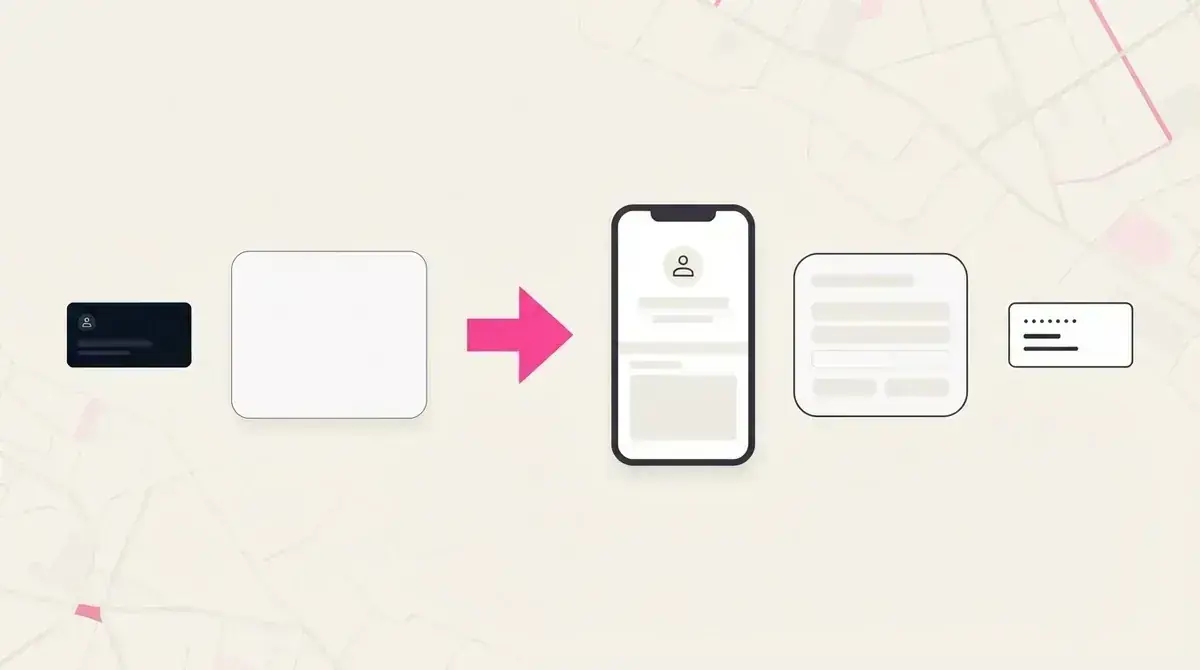
Treat the post as a doorway, not the whole funnel
Google Business Profile posts can share updates, offers, announcements, and event details with people who find a business on Search and Maps. For a local service business, that is useful attention, but the post itself is only the doorway.
If the post sends people to a broad homepage, the visitor has to decide what to do next. A stronger path sends them to one resource that answers the question they probably had when they found the business.
For a cleaner, that might be an end-of-tenancy checklist. For an electrician, it might be a home safety checklist. For a mortgage broker, it might be a first-time buyer preparation guide.
A lead-focused post needs
- One specific customer problem.
- One resource that helps with that problem.
- One clear link destination.
- An email gate before the file is delivered.
- A follow-up step while the enquiry is still fresh.
Choose a resource that matches local intent
People who find a service business through Google are often comparing options, checking trust, or trying to understand whether their problem is urgent. The resource should fit that moment.
Avoid vague offers like a newsletter signup. A useful checklist or preparation guide gives the person a reason to take a small action before they are ready to call.
The Google Business Profile free guide strategy covers the broader platform approach. This page focuses on the individual post-to-lead flow.
Resource selection flow
- Pick one customer question the business already hears often.
- Turn the answer into a short checklist, worksheet, or guide.
- Write the post around the problem, not around the business.
- Send the click to a focused Givloh page.
- Follow up based on the resource the person requested.
Write the post in plain service-business language
The post should make the resource feel useful immediately. The business does not need hype. It needs a direct reason for the customer to click.
A good structure is simple: name the problem, name the resource, and explain what the person will be able to do after reading it. Keep the wording short enough for someone scanning a business profile on their phone.
For example: 'Moving out soon? We made a one-page cleaning checklist so you know what landlords usually inspect before handover. Get it from the link.'
The post earns the click. The resource page earns the email.
Givloh editorial note
Use the download to start a better follow-up
The value of the workflow is not only the first download. It is knowing which local visitor wanted which resource.
A service business can follow up with a short, relevant message instead of a generic sales pitch. If someone downloaded an inspection checklist, ask whether they found anything they want a professional to look at. If they downloaded a preparation guide, ask whether they are planning a booking or still researching.
That is the difference between an anonymous profile click and a lead the owner can act on.
Follow-up prompts
- What made you download this checklist today?
- Are you comparing options or ready to book?
- Would a quick quote or inspection help?
- Is there a deadline we should know about?
- Do you want the next practical step by email?
Use this as the starting checklist
- Pick one local customer question for the post.
- Create a resource that helps with that exact question.
- Link the post to a focused Givloh page, not a raw file.
- Capture the email before the download.
- Follow up with a question tied to the resource.
References and useful next reading
Givloh
Turn the resource into a lead capture page.
Upload a guide, checklist, template, or tool. Share one link. Capture the email before the download. No Mailchimp, Zapier, Drive permissions, or landing page builder.
Try Givloh freeFAQ
Can Google Business Profile posts generate leads?
They can support lead generation when the post points to a specific resource page that captures an email before delivering the file.
What should a service business link to from a Google Business Profile post?
A practical checklist, preparation guide, worksheet, or quote-readiness resource usually works better than a broad homepage link.
Should the resource be gated?
If the goal is lead capture, yes. The visitor should understand the value first, then enter an email before the file is delivered.