
Lead magnet strategy · 8 min read
How to Turn Before-and-After Projects Into a Lead Magnet
A practical guide for service businesses that want to turn project photos, case notes, and before-and-after examples into a useful lead magnet without overselling.
- Before-and-after projects can become a useful lead magnet when they teach the customer what to notice, what questions to ask, and what decisions affect the outcome.
- The strongest version is not a gallery. It is a short project breakdown, checklist, or planning guide that helps the reader judge a similar project for their own home, business, or situation.
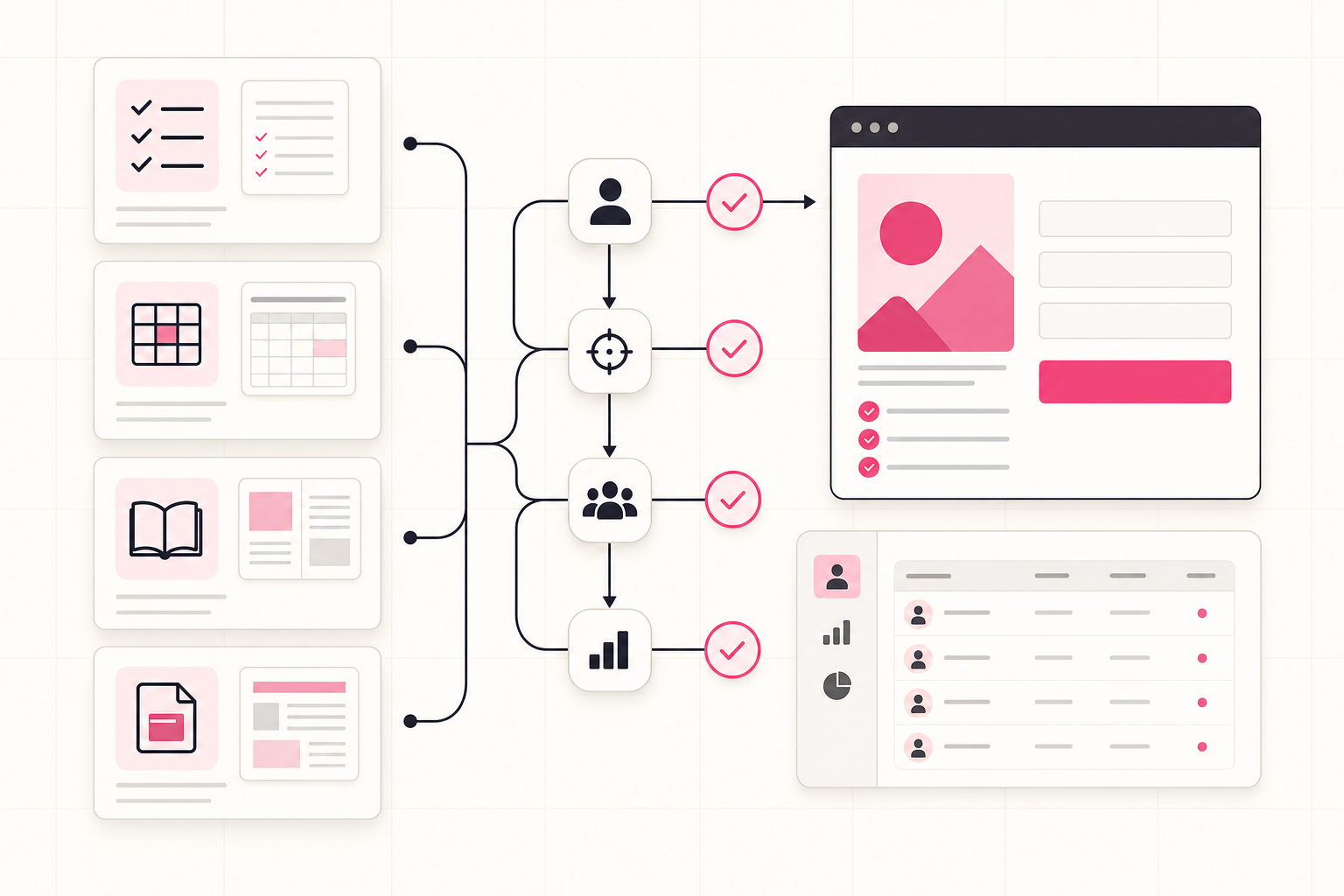
- Givloh gives the business one link for the guide, captures the email before download, delivers the file automatically, and records which project topic created the lead.
Start with the customer decision, not the photo
A before-and-after photo can get attention, but attention is not the same as a lead. The lead magnet needs to help the customer make a decision they already care about.
For a kitchen fitter, that might be a renovation budget guide. For an interior designer, it might be a room-planning checklist. For a landscaper, it might be a garden layout mistake list. The image proves experience, but the resource gives the reader something useful to request.
If the topic is budget-led, pair this approach with how to turn a pricing guide into a lead magnet.
Good before-and-after lead magnet angles
- What changed and why it mattered.
- What the customer needed to decide before work started.
- Common mistakes the project avoided.
- A checklist for planning a similar project.
- Questions to ask before requesting a quote.
Use project notes to make the resource specific
The easiest source material is already inside the business: site photos, consultation notes, quote notes, measurements, customer questions, and handover advice.
A useful resource does not need private client details. It can anonymise the project and explain the pattern: the problem, the constraints, the trade-offs, the decision points, and the final result.
Keep the writing plain. A reader should understand whether the example applies to them within a few seconds.
Simple project-to-resource workflow
- Choose one completed project with a common customer problem.
- Remove names, addresses, faces, and private details.
- Write the three decisions that shaped the outcome.
- Turn those decisions into a checklist or short guide.
- Use Givloh to gate and deliver the finished PDF.
Be careful with claims and permissions
Before-and-after material can be powerful, but it needs care. Get permission before using client images. Avoid sensitive details. Do not imply that every customer will get the same result.
In regulated or health-related services, keep the resource educational and avoid promises. In home services, be specific about context: property type, starting condition, budget range if appropriate, and constraints.
Google Business Profile guidance also treats business photos as part of how customers understand a business, so keep visuals accurate and representative.
The lead magnet should teach the buyer how to think about a project, not pretend every project has the same outcome.
Givloh editorial note
Share the guide where the proof already works
Before-and-after content usually performs best where visuals already matter: Instagram, Facebook, Google Business Profile, email signatures, quote follow-ups, and partner referrals.
Use the public post to show the transformation, then point people to the checklist or project breakdown through one Givloh link. That keeps the social post short while still capturing people who want the details.
For the Instagram version of this workflow, read how to deliver a free PDF from your Instagram bio.
Useful follow-up segments
- Similar project type.
- Same property or business size.
- Budget-planning lead.
- Design or specification lead.
- Ready-to-quote lead.
Use this as the starting checklist
- Choose one project that reflects a common buyer problem.
- Remove private customer details before turning it into a resource.
- Explain the decisions behind the result, not just the finished photo.
- Turn the project into a checklist, planning guide, or questions-to-ask sheet.
- Use one Givloh link to capture and deliver the resource.
References and useful next reading
Givloh
Turn the resource into a lead capture page.
Upload a guide, checklist, template, or tool. Share one link. Capture the email before the download. No Mailchimp, Zapier, Drive permissions, or landing page builder.
Try Givloh freeFAQ
Can before-and-after photos be a lead magnet?
The photos alone are usually not enough. They work best when turned into a checklist, planning guide, project breakdown, or questions-to-ask resource that helps the customer with a similar decision.
Do I need client permission to use project examples?
Yes, get permission before using identifiable client photos or details. When in doubt, anonymise the project and remove names, faces, addresses, and private information.
Where should I share a before-and-after lead magnet?
Instagram, Facebook, Google Business Profile posts, email signatures, quote follow-ups, partner referrals, and local groups where promotion is allowed can all work.