
Professional and creative services · 7 min read
Free Website Audit Checklist for Web Designers
A practical lead magnet idea for web designers who want to capture qualified enquiries with a useful website audit checklist.
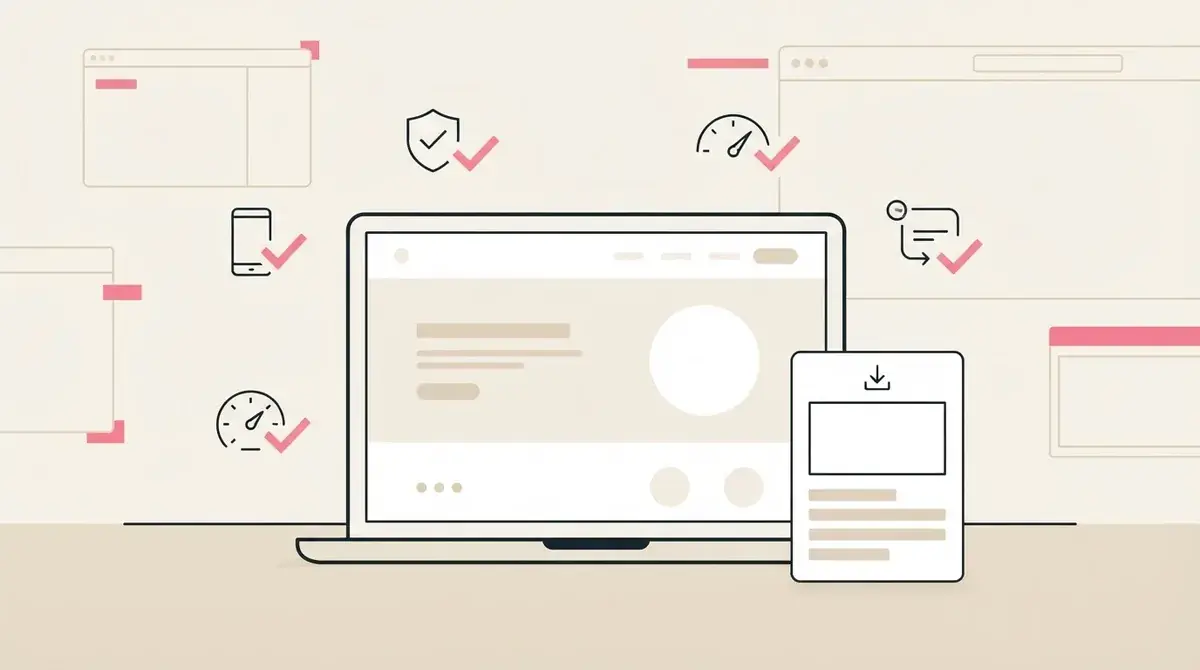
- A website audit checklist works because it helps business owners spot visible problems before they are ready to book a redesign call.
- The checklist should focus on business outcomes: clarity, trust, mobile usability, lead capture, and page speed basics.
- Shared through a Givloh link, the checklist gives web designers a useful way to capture email leads from social posts and profile visits.
Why this checklist fits web designers
Many service business owners know their website is underperforming, but they cannot describe the problem clearly. A website audit checklist gives them a structured way to notice the gaps.
For the web designer, the download is a useful buying signal. The person is not only browsing portfolio work. They are actively checking whether their own site is costing them enquiries.
The checklist should avoid technical overload. It should help the owner understand what to review and when to ask for help.
Strong checklist sections
- Homepage clarity and service positioning.
- Mobile readability and tap targets.
- Trust signals such as reviews, case studies, and proof points.
- Lead capture paths for enquiries, bookings, or resource downloads.
- Basic speed, accessibility, and broken-link checks.
Keep the audit focused on business impact
A checklist that reads like a technical spec may scare off the exact owners who need help. The better angle is business impact: can a visitor understand the service, trust the business, and take the next step?
Web designers can still include practical details, but each item should connect back to a result the owner cares about. That makes the resource more useful and makes the eventual service conversation easier.
For example, mobile layout is not just a design preference. It affects whether a potential customer can read, tap, and enquire from a phone.
A good audit checklist helps the client see the cost of confusion before they ask for a redesign.
Givloh editorial note
Use the checklist from social posts and proposals
A web designer can promote the checklist through short posts that point out one common website leak. Each post then sends people to the same email-gated resource page.
The checklist can also support referral conversations and proposal follow-up. Instead of asking a cold visitor to book immediately, the designer gives them a practical first step.
This turns educational content into a lead capture path instead of leaving it as a one-off post.
Simple promotion flow
- Post one common website problem with a plain-English example.
- Invite readers to download the full audit checklist through the bio link.
- Capture the email before delivery.
- Send a follow-up offering to review one page or one priority issue.
- Track whether the checklist leads to better discovery calls.
Make the follow-up useful, not pushy
The first follow-up should not jump straight to a full redesign pitch. A better message asks what the reader found during the audit and offers a narrow next step.
For example, the designer might offer to review the homepage headline, the mobile contact path, or the main service page. That makes the reply easier and keeps the conversation practical.
The checklist earns attention. The follow-up should preserve that trust.
Useful follow-up questions
- Which audit item felt most urgent?
- Which page creates the most enquiries today?
- Are most visitors coming from mobile, search, or social?
- Is the current goal more enquiries, bookings, or credibility?
- Would a quick review of one page be useful?
Use this as the starting checklist
- Keep the checklist short enough for a busy owner to finish.
- Use plain business language instead of design jargon.
- Include mobile lead capture checks.
- Add one follow-up question tied to the audit result.
- Use the same Givloh page from social profiles, posts, and referral messages.
References and useful next reading
Givloh
Turn the resource into a lead capture page.
Upload a guide, checklist, template, or tool. Share one link. Capture the email before the download. No Mailchimp, Zapier, Drive permissions, or landing page builder.
Try Givloh freeFAQ
Why does a website audit checklist work as a lead magnet?
It helps a business owner understand what may be blocking enquiries, while giving the web designer a clear signal that the person is thinking about improving their site.
Should the checklist include technical SEO items?
It can include basic checks, but the main focus should stay on clarity, trust, mobile usability, and lead capture so the resource is useful to non-technical business owners.
How should a web designer follow up after the download?
Ask which issue stood out and offer a narrow next step, such as reviewing one page or one lead capture path, before pitching a larger project.