
Platform strategy · 8 min read
LinkedIn Profile Lead Magnet Strategy for HR Consultants
How HR consultants can use a LinkedIn profile link to offer a practical resource, capture email leads, and start better-fit advisory conversations.
- An HR consultant can use LinkedIn to move profile visitors from passive interest into a named lead list.
- The best resource is practical and close to the buying conversation: audit checklists, policy prep sheets, onboarding templates, or compliance review prompts.
- The profile link, featured section, posts, and follow-up messages should all point to one useful gated resource instead of a generic homepage.
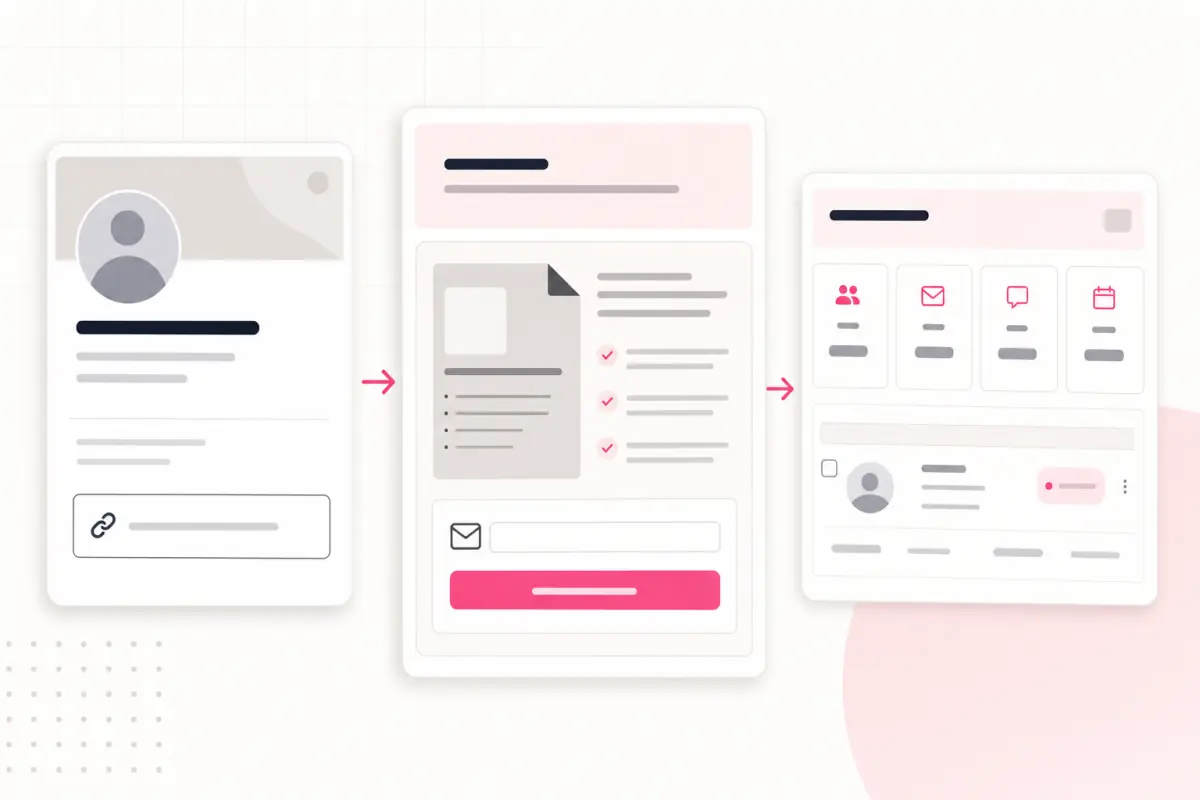
Start with the reason someone views the profile
A LinkedIn profile visit usually has context. Someone saw a post, received a referral, searched for HR help, or checked the consultant before a conversation.
That visitor may not be ready to book a call. A practical lead magnet gives them a lower-friction next step while still giving the consultant a contact to follow up with.
For HR consultants, the resource should help a business owner or manager understand a specific problem, not browse general thought leadership.
Good HR consultant resource topics
- New employee onboarding checklist.
- Small business HR compliance review sheet.
- Redundancy planning questions to prepare before advice.
- Performance review conversation template.
- Employee handbook gap checklist.
Use one profile link for the resource
A generic website link makes the visitor decide what to do next. A lead magnet page removes that decision by offering one useful resource connected to the consultant’s expertise.
The page should explain the resource in plain language, ask for an email address, and deliver the file automatically. After that, the consultant can follow up with a relevant advisory message.
If the same consultant serves different niches, start with the highest-value or most urgent audience rather than listing every possible download.
Profile link setup
- Choose one resource for the main profile link.
- Write a short profile line that names the problem the resource solves.
- Add the same resource to the Featured area if appropriate.
- Mention the resource in relevant posts without repeating the full pitch every time.
- Review which download topics create useful conversations.
Match posts to the download
The resource works best when posts naturally create demand for it. A post about onboarding mistakes can point to an onboarding checklist. A post about handbook gaps can point to a handbook review sheet.
This keeps the call to action useful. The reader gets a next step that fits the topic, and the consultant learns what problem the reader is interested in.
For the mechanics of turning a resource into a page, read how to turn a checklist into a lead capture page.
The profile link should not be a storage shelf. It should be the next useful step after the post that earned attention.
Givloh editorial note
Follow up like an advisor, not a campaign
HR advice can be sensitive, so follow-up should be measured and relevant. The first message should reference the downloaded resource and offer a practical next step.
For example, after a handbook checklist download, the consultant could ask whether the business wants a quick review of the sections most likely to be missing. That is more useful than a generic sales sequence.
Keep data handling clean. Use consent-aware follow-up and give people a clear way to opt out of marketing messages.
Useful follow-up angles
- Offer a short review of the checklist results.
- Ask one qualifying question about company size or urgency.
- Share a related resource only if it helps the same problem.
- Invite a call when the issue is complex or time-sensitive.
- Keep a record of which resource started the conversation.
Use this as the starting checklist
- Choose one LinkedIn-friendly HR resource.
- Point the profile link to a gated resource page.
- Use posts to create demand for the same download.
- Capture the lead before asking for a call.
- Follow up with advice connected to the downloaded topic.
References and useful next reading
Givloh
Turn the resource into a lead capture page.
Upload a guide, checklist, template, or tool. Share one link. Capture the email before the download. No Mailchimp, Zapier, Drive permissions, or landing page builder.
Try Givloh freeFAQ
What should an HR consultant link to from LinkedIn?
A practical resource such as an onboarding checklist, handbook gap review, compliance prep sheet, or performance review template is usually stronger than a generic homepage link.
Should HR consultants gate their LinkedIn resources?
A useful gated resource can work well when the visitor gets clear value in return and the follow-up is relevant, measured, and privacy-aware.
Can this work without posting every day?
Yes. The profile link can capture visitors from referrals, search, comments, and occasional posts. Regular posting helps, but the lead capture system should not depend on constant content output.