
LinkedIn lead generation · 8 min read
LinkedIn Lead Magnet Strategy for Bookkeepers
A practical LinkedIn lead magnet strategy for bookkeepers using cleanup checklists, month-end prep guides, and useful follow-up workflows.
- Bookkeepers can use LinkedIn to offer practical resources that help small business owners prepare their records before asking for help.
- Strong lead magnets include month-end checklists, bookkeeping cleanup guides, receipt organisation sheets, and year-end preparation resources.
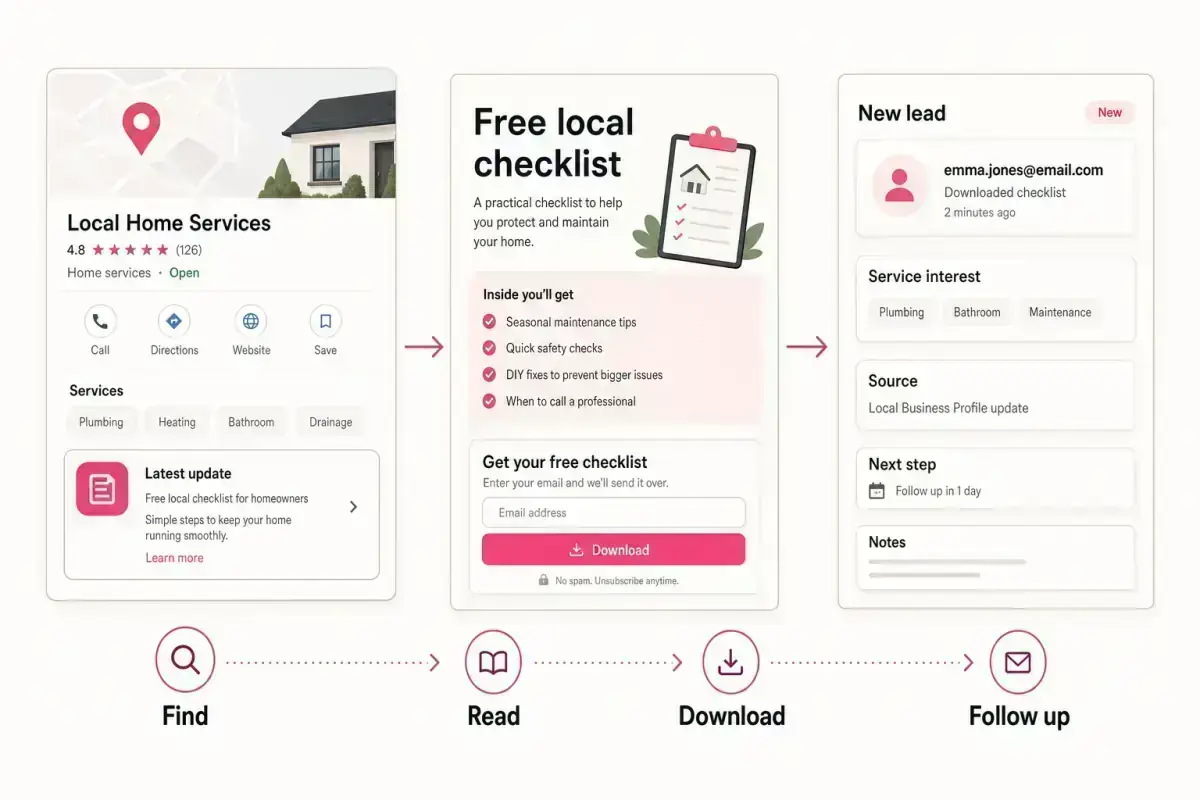
- Givloh turns the LinkedIn link into a hosted capture page, delivers the file, and records which resource created the lead.
Use LinkedIn for business-owner problems
A bookkeeper's LinkedIn audience is usually made up of small business owners, founders, consultants, local operators, and referral partners. They do not need abstract bookkeeping content. They need help with the moments that make records messy.
A useful lead magnet gives them a small step before they book a cleanup call or ongoing support. Month-end preparation, receipt organisation, software migration, payroll readiness, and year-end document gathering all make clear topics.
This connects with the bookkeeper email list building guide and the tax season document checklist for accountants.
Bookkeeper resource ideas for LinkedIn
- Month-end bookkeeping checklist for small businesses.
- Messy records cleanup preparation sheet.
- Receipt and invoice organisation checklist.
- Year-end bookkeeping document list.
- Questions to ask before hiring a bookkeeper.
Write posts that point to one practical action
The LinkedIn post should not try to explain the entire bookkeeping process. It should name one painful situation and point to the resource. For example: "If your receipts are split between email, screenshots, and a drawer, use this cleanup checklist before you ask for help."
That works because it respects the reader's time. It gives a practical first step and lets the bookkeeper follow up with context.
LinkedIn's own help material explains how members can add and manage website links on their profile. The page behind that link is where the capture system needs to do the work.
The post earns the click. The resource earns the email. The follow-up earns the conversation.
Givloh editorial note
Make the profile link specific
A broad homepage link asks the visitor to decide what to do next. A lead magnet link gives them a clear action. For bookkeepers, the profile link can point to one timely resource during tax season, year end, onboarding periods, or software migration campaigns.
With Givloh, the bookkeeper can upload the file, publish a capture page, and reuse the same link from posts, comments, direct messages, email signatures, and referral partner notes.
If the resource changes over time, keep the promise specific. Do not send people to a general list of links when the post promised a particular checklist.
Simple LinkedIn workflow
- Choose one bookkeeping problem that already creates enquiries.
- Write a one-page checklist, guide, or preparation worksheet.
- Upload the resource to Givloh and publish the capture page.
- Share the link from LinkedIn posts, profile areas, comments, and direct messages.
- Follow up based on the downloaded topic and business stage.
Segment by bookkeeping need
A cleanup checklist lead needs a different reply from a month-end checklist lead. One may be ready for rescue work. The other may want ongoing support or a better routine.
The first reply can ask what accounting software they use, how far behind the records are, whether payroll is involved, and when the next reporting deadline lands. Keep the reply helpful and avoid making claims before seeing the records.
For a wider system, use how to segment leads by resource download to separate cleanup, monthly support, payroll, year end, and software migration interest.
Useful bookkeeper lead segments
- Cleanup, month-end routine, year-end preparation, payroll, or software migration.
- Sole trader, limited company, nonprofit, or local service business.
- Accounting software used.
- How urgent the bookkeeping issue is.
- Preferred next step: checklist review, discovery call, or quote.
Use this as the starting checklist
- Choose one bookkeeping problem with clear buyer intent.
- Turn it into a short checklist, guide, or preparation worksheet.
- Use LinkedIn posts and profile links to point to one Givloh capture page.
- Keep the resource practical and avoid promising outcomes before reviewing records.
- Follow up by downloaded topic, urgency, and business type.
References and useful next reading
Givloh
Turn the resource into a lead capture page.
Upload a guide, checklist, template, or tool. Share one link. Capture the email before the download. No Mailchimp, Zapier, Drive permissions, or landing page builder.
Try Givloh freeFAQ
What lead magnet should a bookkeeper share on LinkedIn?
A month-end checklist, messy records cleanup sheet, receipt organisation guide, year-end document list, or questions-to-ask worksheet can work well.
Should a bookkeeper link LinkedIn posts to a homepage or a lead magnet?
If the post offers a specific resource, link to a dedicated lead magnet page so the visitor can request the file and the bookkeeper can capture the lead.
How should a bookkeeper follow up after a LinkedIn download?
Mention the downloaded resource, ask about the relevant bookkeeping need, and offer a practical next step such as a checklist review or discovery call.