
Web designer lead generation · 8 min read
Web Designer Email List Building Guide
A practical email list building guide for web design businesses using planning checklists, content worksheets, accessibility prompts, and project-ready follow-up.
- Web designers can build an email list by offering practical planning resources to service businesses before those prospects are ready to request a proposal.
- Useful resources include website planning checklists, content collection worksheets, homepage review guides, accessibility discussion prompts, and redesign preparation sheets.
- Givloh gives the web design business one link to share, captures the email before download, delivers the resource automatically, and identifies what the prospect is planning.
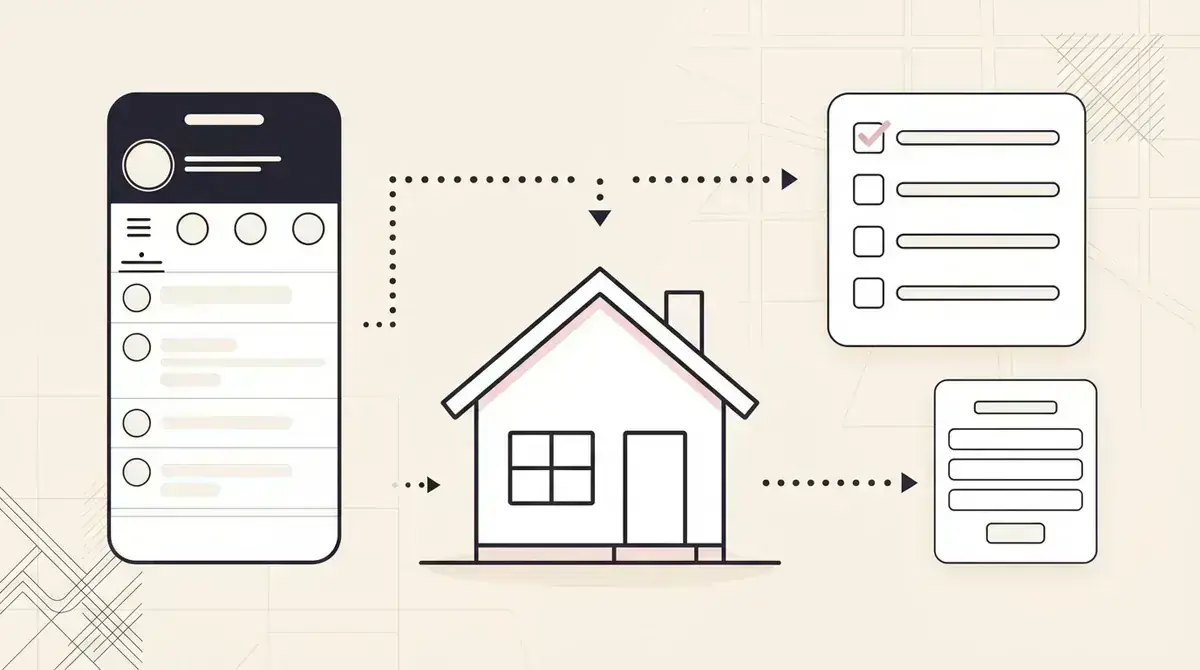
Capture the planning stage before the proposal stage
Many web design prospects are not ready to complete a long enquiry form. They are still working out whether they need a new site, a redesign, better messaging, clearer service pages, or help fixing a specific conversion problem.
A planning resource gives that prospect a useful next step without forcing an immediate sales call. It also tells the web designer what kind of project may be forming.
A strong first option is the free website audit checklist for web designers.
Useful web design lead magnets
- Website project planning checklist.
- Content collection worksheet for service pages.
- Homepage clarity review guide.
- Website redesign consultation prep sheet.
- Accessibility questions to discuss before a build.
Make the resource useful without pretending it is a full audit
A public checklist can help a business owner notice unclear calls to action, missing service information, weak proof, difficult contact paths, or content gaps. It should not claim to certify accessibility, security, legal compliance, search performance, or technical quality from a self-assessment.
Use the resource to prepare a better professional review. For accessibility topics, point readers to the World Wide Web Consortium's Web Accessibility Initiative and be clear that a short worksheet is not a conformance evaluation.
Specific boundaries build more trust than a vague promise to reveal everything wrong with a website.
A useful web design lead magnet prepares the brief. It does not disguise a sales checklist as a technical certification.
Givloh editorial note
Share one planning resource across the places prospects check
Web design businesses can share a resource from LinkedIn posts, Instagram project breakdowns, networking follow-ups, partner referrals, email signatures, workshops, proposals, and QR codes at local events.
The post should connect to a real decision. A homepage teardown post can point to a clarity checklist. A project handover post can point to a website content worksheet. A redesign case study can point to a planning guide.
For the broader resource-building workflow, read how to build a lead magnet library for a service business.
Simple resource-to-lead workflow
- Choose one repeated planning problem from discovery calls.
- Turn it into a short checklist or worksheet.
- Upload the resource to Givloh.
- Share one Givloh link from relevant posts and referral channels.
- Follow up by project type, stage, and decision timeline.
Segment leads by the project they are trying to start
Someone downloading a homepage checklist may need a focused improvement, while someone requesting a redesign planning sheet may be preparing a larger project. A content worksheet can signal that the main blocker is internal preparation rather than design budget.
Use the resource topic to shape a short first reply. Ask what prompted the download, whether the current site is live, what service the business most needs to sell, and whether there is a target launch window.
Keep further marketing permission clear and separate where required. The requested resource should arrive even if the prospect does not opt into unrelated promotional messages.
Useful web design lead segments
- New website planning lead.
- Redesign or migration enquiry.
- Homepage or conversion improvement lead.
- Content preparation lead.
- Accessibility or usability review enquiry.
Use this as the starting checklist
- Choose a resource based on a repeated discovery-call problem.
- State clearly what the checklist can and cannot assess.
- Use authoritative accessibility guidance when that topic appears.
- Share one Givloh link across social, referrals, email, and events.
- Follow up by project type, stage, current site, and timeline.
References and useful next reading
Givloh
Turn the resource into a lead capture page.
Upload a guide, checklist, template, or tool. Share one link. Capture the email before the download. No Mailchimp, Zapier, Drive permissions, or landing page builder.
Try Givloh freeFAQ
What lead magnet works for web designers?
Website planning checklists, content collection worksheets, homepage review guides, redesign prep sheets, and accessibility discussion prompts all connect to real pre-project decisions.
Should a web designer offer a free website audit as a lead magnet?
A limited checklist or review guide can work, but it should state its scope and avoid presenting a self-assessment as a full accessibility, security, legal, SEO, or technical audit.
How should web designers follow up with resource downloads?
Ask what prompted the download, whether the current website is live, which service needs clearer promotion, what kind of project is being considered, and whether there is a target timeline.