
Comparisons · 8 min read
Canva Websites vs Givloh for Lead Magnet Pages
A practical comparison for service businesses deciding between a simple Canva website page and a focused Givloh lead magnet page.
- Canva Websites is useful when a service business needs a simple visual page or presentation-style web page.
- Givloh is the better fit when the job is email-gated resource delivery, lead capture, and a dashboard for downloads.
- The choice depends on whether the business needs to publish a page or run the whole lead magnet workflow.
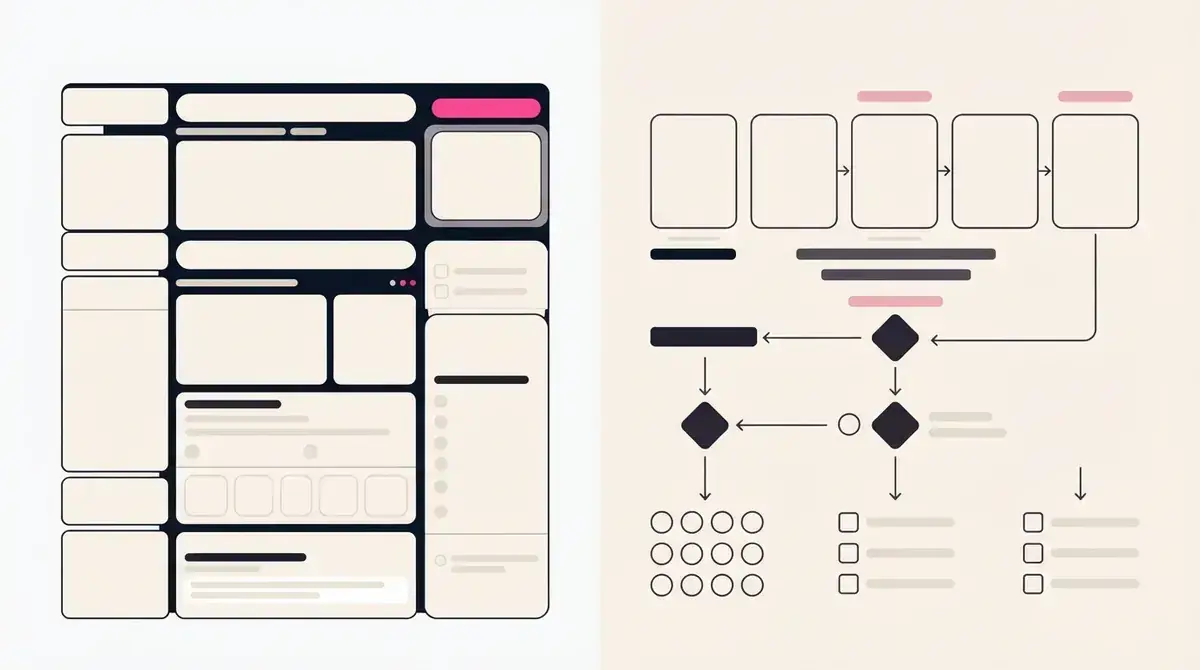
Compare the job, not just the page
A service business can publish a simple page in many tools. That does not automatically solve the lead magnet workflow. The full job includes presenting the resource, collecting an email, delivering the file, storing the lead, and knowing which offer worked.
Canva Websites can be a useful option for simple visual pages, event pages, portfolios, or lightweight web publishing. Givloh is narrower: it exists to turn a resource into an email-gated lead capture page for service businesses.
If the goal is a polished one-page web presence, Canva may be enough. If the goal is to capture contacts before a resource download, the workflow needs more than visual publishing.
The decision in one line
- Use Canva Websites to publish a simple visual page.
- Use Givloh to capture and deliver a lead magnet.
- Use both if Canva helps produce the PDF and Givloh handles the capture page.
- Avoid sending social traffic to a page with no lead capture step.
- Do not make the visitor email manually to request a file.
Where Canva Websites fits well
Canva Websites is useful when the business wants a quick page made from a visual design workflow. That can be helpful for announcements, simple service explainers, portfolio-style pages, or pages where design speed matters more than lead capture mechanics.
A business might also use Canva to design the actual checklist, guide, or worksheet that becomes the downloadable resource. In that case, Canva helps make the asset, while Givloh handles the page, email gate, delivery, and lead list.
This distinction matters because designing the resource and capturing the lead are separate jobs.
A good-looking page is useful. A captured lead is measurable.
Givloh editorial note
Where Givloh fits better
Givloh is built for the small but important workflow that happens after someone wants the resource. The visitor enters their email, receives the file, and becomes a lead the business can follow up with.
That matters for service businesses because the value is not the click. The value is the named person who asked for the guide, checklist, template, or tool. A dashboard also helps the owner see which resource created the contact.
For a broader website-builder comparison, see Wix vs Givloh for lead magnet pages.
Workflow comparison
- Create or upload a useful resource.
- Publish a focused page for that resource.
- Ask for email before download.
- Deliver the file automatically.
- Review leads by resource in one dashboard.
Choose based on what happens after the click
The practical answer is not always either-or. A service business can design a checklist in Canva, then use Givloh as the capture and delivery page.
| Job | Canva Websites | Givloh |
|---|---|---|
| Design a simple visual page | Strong fit | Not the main job |
| Design the PDF or checklist | Strong fit | Uploads the finished resource |
| Gate a file behind email | Not the core workflow | Built in |
| Deliver the file automatically | Not the core workflow | Built in |
| Store resource leads | Not the core workflow | Built in |
| Measure which resource worked | Requires separate setup | Built around the resource |
Avoid these mistakes
- Publishing a beautiful page that does not capture contact details.
- Putting the PDF behind a manual email request.
- Using a generic homepage as the bio link during a resource campaign.
- Forgetting to track which post or resource created the lead.
- Adding tools before proving one resource works.
Use this as the starting checklist
- Decide whether you need visual publishing or lead capture delivery.
- Use Canva to design simple pages or downloadable resources when that helps.
- Use Givloh when the resource should be gated, delivered, and tracked.
- Keep the social bio link focused on one offer during the test.
- Measure success by leads captured, not page views alone.
References and useful next reading
Givloh
Turn the resource into a lead capture page.
Upload a guide, checklist, template, or tool. Share one link. Capture the email before the download. No Mailchimp, Zapier, Drive permissions, or landing page builder.
Try Givloh freeFAQ
Is Canva Websites better than Givloh for lead magnet pages?
Canva Websites is better for simple visual publishing. Givloh is better when the job is email-gated resource delivery, lead capture, and tracking for a service business.
Can I use Canva and Givloh together?
Yes. A business can design the PDF, checklist, or guide in Canva, then upload it to Givloh so visitors enter an email before receiving it.
Why not just publish the checklist on a Canva page?
That may share the checklist, but it does not automatically capture the visitor as a lead, deliver the file through a gated flow, or show resource-level lead data.