
Tool comparisons · 8 min read
Dropbox vs Givloh for Lead Magnets
A plain-English comparison for service businesses deciding whether Dropbox or Givloh is better for sharing free resources and capturing leads.
- Dropbox is useful for storing and sharing files. Givloh is built for turning a file into an email-gated lead magnet.
- A Dropbox link can deliver a resource, but it does not by itself create a lead capture page, email gate, or lead dashboard.
- The right choice depends on whether the business only needs file sharing or wants a complete resource-to-lead workflow.
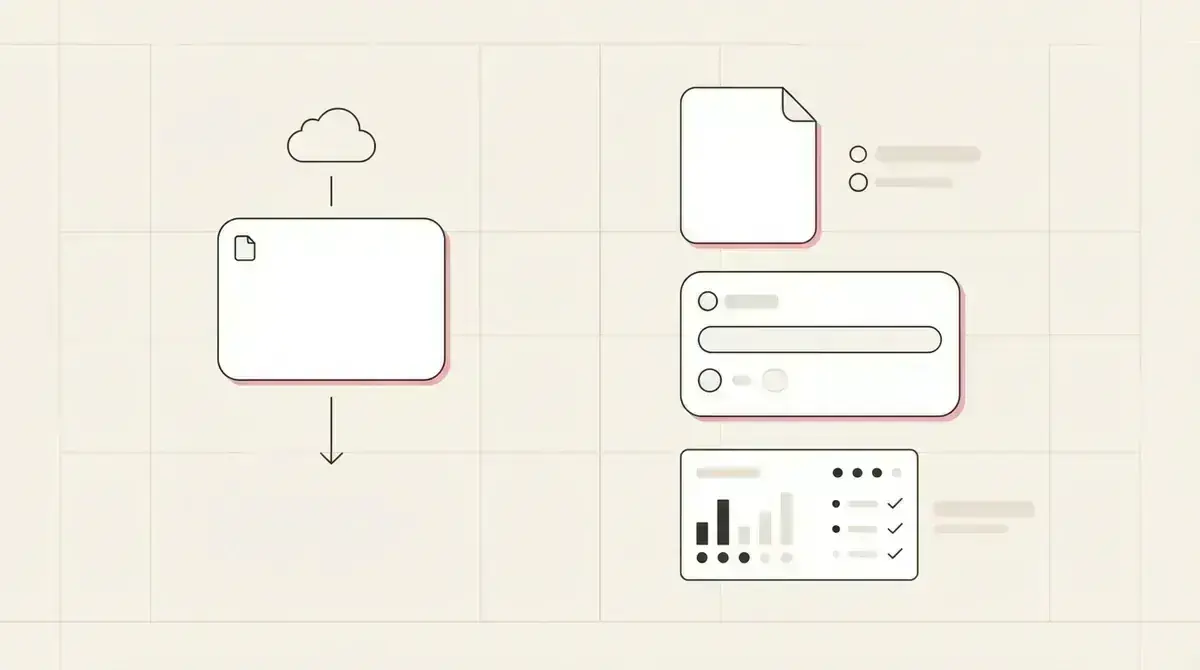
Compare file sharing with lead capture
Dropbox is a strong file storage and sharing tool. A service business can upload a PDF, create a share link, and send it to a customer or prospect.
A lead magnet needs more than file access. It needs a page that explains the resource, an email capture step before delivery, and a place where the business can see the lead.
That is the practical difference. Dropbox helps share the file. Givloh is built around the full lead magnet path.
The simple distinction
- Use Dropbox when the person already has permission to access the file.
- Use Givloh when the business wants to capture an email before delivery.
- Use Dropbox for team storage and simple sharing.
- Use Givloh for bio link campaigns and resource landing pages.
- Avoid sending social traffic straight to a raw file link when lead capture is the goal.
Where Dropbox is useful
Dropbox can be useful behind the scenes. It can store documents, organize assets, and help teams share files internally or with existing contacts.
For a public lead magnet, the issue is not whether the file can be shared. The issue is whether the business captures the person who wanted it.
A raw file link may get the resource into the visitor's hands, but it can leave the business with no name, no email, and no follow-up path.
A file share completes the delivery. A lead magnet also needs the hand-raise.
Givloh editorial note
Where Givloh fits
Givloh is for the narrower service-business workflow: upload a resource, publish a professional page, ask for the email, deliver the file, and store the lead.
That matters for social traffic. A person tapping from Instagram, LinkedIn, Facebook, TikTok, or a Google Business Profile update needs a clear page, not just a document preview.
For the broader setup, read how to build a one-resource bio link system.
Lead magnet workflow
- Create or choose one useful resource.
- Publish a page that explains the resource.
- Capture the email before download.
- Deliver the file automatically.
- Follow up while the problem is still fresh.
Choose based on what you need to know after the click
If the only question is whether someone can access a file, Dropbox may be enough. If the business needs to know who wanted the resource and which resource they requested, use a lead capture workflow.
That decision is especially important for owner-led service businesses. They do not need more anonymous downloads. They need named leads they can follow up with.
A file storage tool and a lead capture system can both have a place. The mistake is expecting a file link to do the job of a follow-up system.
Decision questions
- Do you need to know who downloaded the file?
- Will the link be shared from a public social profile?
- Does the resource need a short explanation before download?
- Do you want a dashboard of leads by resource?
- Is follow-up part of the business goal?
Use this as the starting checklist
- Use Dropbox for storage, collaboration, and simple file sharing.
- Use Givloh when the download should create a lead.
- Do not send social visitors straight to an ungated file if follow-up matters.
- Keep the landing page focused on one resource.
- Review whether the business can see who requested the file.
References and useful next reading
Givloh
Turn the resource into a lead capture page.
Upload a guide, checklist, template, or tool. Share one link. Capture the email before the download. No Mailchimp, Zapier, Drive permissions, or landing page builder.
Try Givloh freeFAQ
Can Dropbox be used for lead magnets?
Dropbox can host and share a file, but it does not by itself create the email-gated page, automatic lead capture, and dashboard a service business usually needs for lead magnets.
When is Dropbox enough?
Dropbox may be enough when the business only needs to send a file to someone who already requested it and does not need public lead capture.
When is Givloh better than a Dropbox link?
Givloh is better when the business wants to publish a resource from a social bio link, capture the visitor's email, deliver the file, and follow up from a lead list.