
Lead magnet comparisons · 8 min read
Google Sites vs Givloh for Lead Magnet Pages
A plain-English comparison for service businesses deciding between building a Google Site and using Givloh for a lead magnet capture page.
- Google Sites is a general website builder that can publish pages and embed Google files, Forms, and other content. It can suit a business that wants to assemble and manage its own simple site workflow.
- Givloh is built for the narrower service-business job of presenting one resource, capturing the visitor's email before delivery, and recording the request as a lead.
- Choose Google Sites for a general information site you want to configure. Choose Givloh when the main outcome is a fast, focused lead magnet capture and delivery path.
Google Sites gives you a general page canvas
Google Sites lets a user create pages, add content, preview the result, publish it, and choose who can view the published site. It can also embed Google Docs, Sheets, Slides, Forms, and files from Drive when the sharing settings allow access.
That flexibility is useful for an internal information site, simple project hub, event page, or small public website where the owner is comfortable deciding how the pieces fit together.
For a lead magnet, the owner still needs to design the resource explanation, decide how email collection works, configure file access, and keep the resulting lead data organised.
Use Google Sites when
- You need a general multi-purpose information site.
- You want to arrange pages and embedded Google content yourself.
- You are comfortable managing sharing permissions across the site and files.
- You can configure and test the form, delivery, and lead-record workflow you need.
- A purpose-built resource dashboard is not the main requirement.
Lead magnet delivery is a complete workflow
A public page is only one part of a lead magnet system. The page has to explain the resource, collect the email, deliver the requested file, record the lead, and give the business a clear way to see which resource attracted that person.
A service business can combine Google Sites with a form, file permissions, email automation, and a separate lead record. That can work, but the business owns the setup and ongoing checks between those components.
Givloh packages the focused capture-and-delivery path into one service-business workflow. The owner uploads the resource, shares the link, and sees the resulting leads without assembling a general website stack.
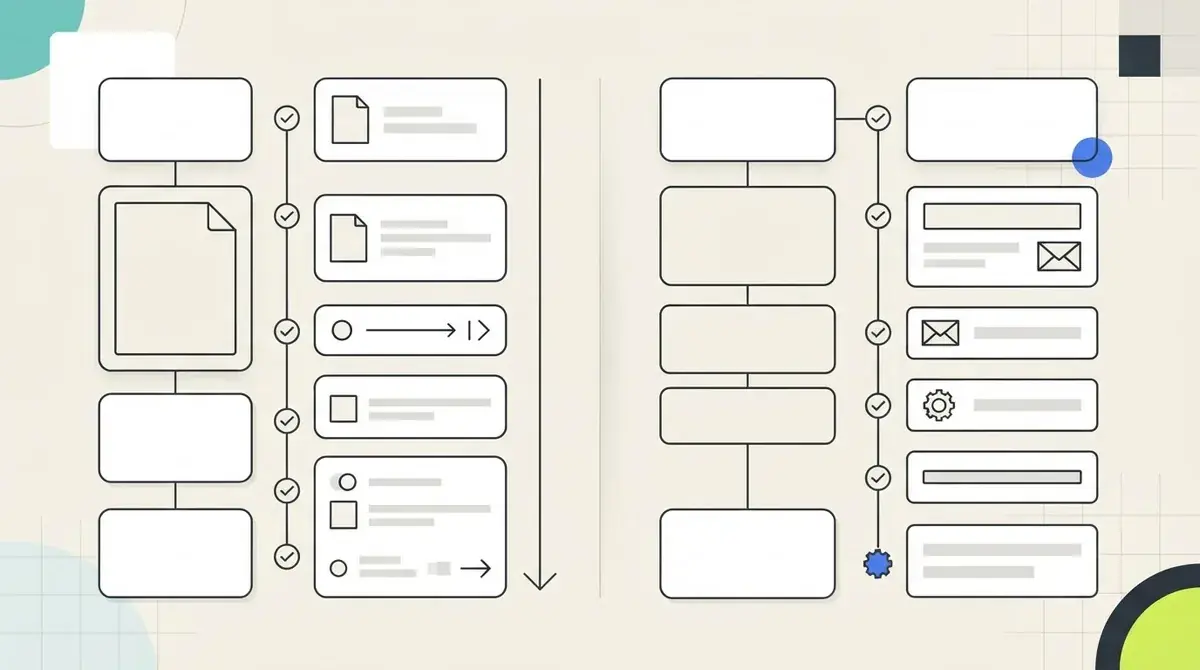
Two setup paths
- Google Sites: create and publish the page.
- Add or connect the form, file, delivery, and lead-record components.
- Test public visibility and permissions for every connected item.
- Givloh: upload the resource and publish its hosted capture page.
- Share one link and view the resource request as a lead.
Compare ownership of the setup
Google Sites offers more freedom to arrange general content, but every extra component creates a decision. The service business must choose the page structure, form behaviour, file permissions, delivery method, lead storage, and any reporting connection.
Givloh is intentionally narrower. It is not a general website builder; it is for the business that already has a checklist, guide, template, or tool and wants a quick way to turn downloads into named leads.
If the main alternative is sending people directly to a shared file, read Google Drive vs Givloh for lead magnets.
A general page builder gives you components. A lead magnet platform gives those components one specific job.
Givloh editorial note
Check access and consent before sharing
With a Google Sites workflow, test the published page and every embedded or linked file in a signed-out browser. A public page does not guarantee that a restricted Drive file will be visible to the same visitor.
With either approach, explain what the visitor will receive and how their email will be used. Delivering the requested resource should not be treated as automatic permission for unrelated ongoing marketing.
For a focused resource-page structure, use how to turn a checklist into a lead capture page.
Use Givloh when you want
- A focused hosted page for one useful resource.
- Email capture before automatic file delivery.
- A lead record tied to the requested resource.
- One link for social profiles, posts, referrals, and QR codes.
- Less setup than joining a page, form, file, email, and lead list yourself.
Use this as the starting checklist
- Choose Google Sites for a general site you want to configure.
- Choose Givloh for a focused lead magnet capture-and-delivery path.
- Test published visibility and every connected file permission.
- Explain exactly what the visitor receives and how email is used.
- Keep resource delivery separate from optional ongoing marketing.
References and useful next reading
Givloh
Turn the resource into a lead capture page.
Upload a guide, checklist, template, or tool. Share one link. Capture the email before the download. No Mailchimp, Zapier, Drive permissions, or landing page builder.
Try Givloh freeFAQ
Can Google Sites host a lead magnet page?
Yes. It can publish a page and embed Google content, but the business must decide how the form, file access, email delivery, lead record, and reporting fit together.
When is Google Sites a better fit than Givloh?
Google Sites is a better fit when the business wants a general information site and is comfortable configuring and maintaining the connected workflow itself.
Why use Givloh for a service-business lead magnet?
Givloh provides a focused hosted resource page, captures the email before delivery, sends the file automatically, and records which resource started the lead.