
Tool comparisons · 8 min read
SharePoint vs Givloh for Lead Magnets
A practical comparison for service businesses deciding whether SharePoint or Givloh should deliver public lead magnets.
- SharePoint is useful for internal document storage and controlled collaboration, especially inside Microsoft 365.
- Givloh is better for public lead magnets because it combines the landing page, email gate, file delivery, lead list, and simple analytics.
- A service business can keep SharePoint for internal files and use Givloh for the public download link it shares from social media.
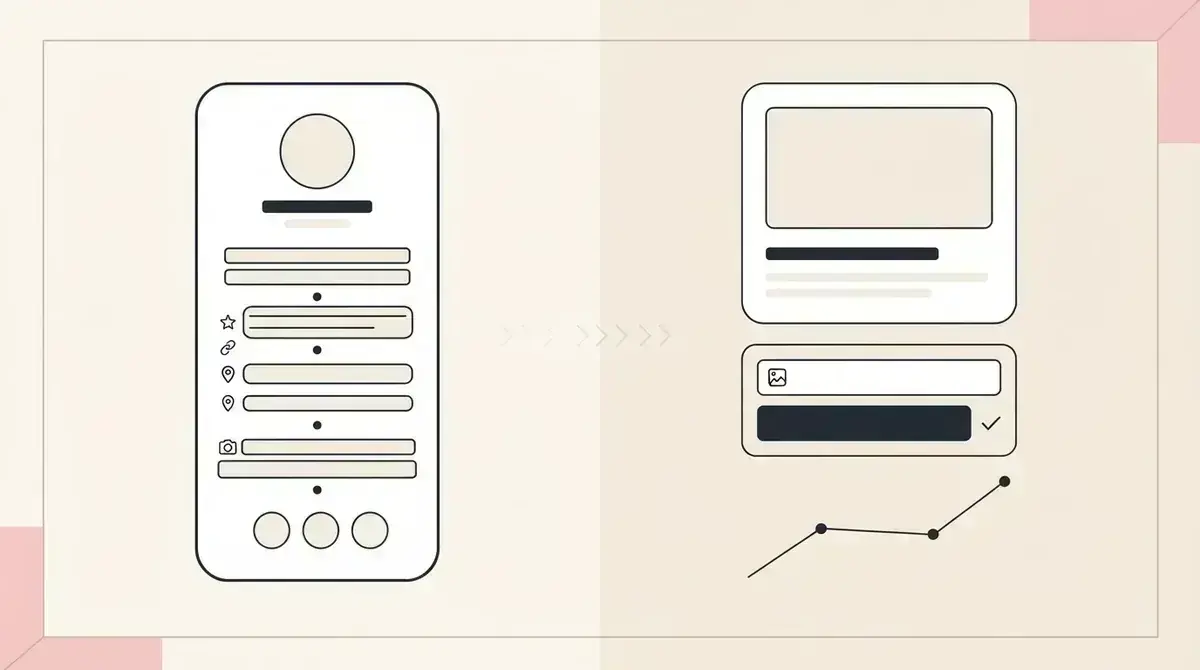
Compare the job, not just the file
SharePoint and Givloh can both help a business share a file, but the job is different. SharePoint is designed for document libraries, permissions, internal collaboration, and controlled sharing across teams.
A lead magnet has a different job. The public visitor needs a simple page, a clear promise, a short email form, automatic delivery, and a business owner who can see the resulting lead.
If the problem is public lead capture rather than internal document management, Google Drive vs Givloh for lead magnets is a useful related comparison.
When SharePoint is the better fit
- The file is for staff, clients, or known collaborators.
- The business needs Microsoft 365 permissions and document libraries.
- The workflow is internal, operational, or project-based.
- Access control matters more than public conversion.
- The audience already expects a Microsoft 365 sharing experience.
Use Givloh when the download is a marketing doorway
A public lead magnet should not feel like an internal file share. The visitor came from Instagram, LinkedIn, Google Business Profile, a QR code, or a referral message. They need to understand the resource quickly and receive it without permissions confusion.
Givloh is built around that front-door experience. The business uploads the guide or checklist, shares one link, captures the email before delivery, and sees the lead in one place.
This is the same distinction covered in website download page vs Givloh for lead magnets, but with a Microsoft 365 file-storage tool as the comparison point.
SharePoint is a strong back office. A lead magnet needs a clean front door.
Givloh editorial note
Side-by-side comparison
| Need | SharePoint | Givloh |
|---|---|---|
| Store internal files | Strong fit | Not the main job |
| Share with known collaborators | Strong fit | Possible but unnecessary |
| Publish a public lead magnet page | Not built for this | Built for this |
| Capture email before download | Requires extra setup | Built in |
| Show simple lead activity | Requires another tool | Built in |
Practical decision
- Keep SharePoint for internal document storage.
- Use Givloh for social bio links and public resource downloads.
- Avoid sending cold social visitors into permission-heavy file sharing.
- Keep the download promise visible before asking for the email.
A simple combined workflow
Many service businesses can use both tools without conflict. Draft and store internal resource files in SharePoint if that is already how the team works. When the public version is ready, export the PDF and upload it to Givloh as the lead magnet.
Then share the Givloh page from social profiles, posts, email signatures, QR codes, and referral partner messages. The visitor gets a clear download experience, while the internal document library remains private and organized.
For a property-service example of the public offer, see the free home staging consultation checklist.
Recommended setup
- Keep working documents in SharePoint.
- Export the public checklist or guide as a clean PDF.
- Upload the finished PDF to Givloh.
- Share the Givloh link publicly.
- Use the lead list for follow-up and keep SharePoint for internal files.
Use this as the starting checklist
- Use SharePoint for internal document storage and collaboration.
- Use Givloh for public lead magnet pages.
- Do not rely on file permissions as a lead capture system.
- Keep the visitor experience simple from social media.
- Capture the email before delivering the resource.
References and useful next reading
Givloh
Turn the resource into a lead capture page.
Upload a guide, checklist, template, or tool. Share one link. Capture the email before the download. No Mailchimp, Zapier, Drive permissions, or landing page builder.
Try Givloh freeFAQ
Can SharePoint be used for lead magnets?
It can share files, but it is not purpose-built for public lead capture, email-gated delivery, or simple lead analytics.
Is Givloh a replacement for SharePoint?
No. Givloh is for public lead magnets and social lead capture. SharePoint remains useful for internal files, team collaboration, and controlled document storage.
Should service businesses use both SharePoint and Givloh?
Yes, if they already use Microsoft 365 internally. Store working files in SharePoint and publish the public lead magnet through Givloh.