
Tool comparisons · 7 min read
Website Download Page vs Givloh for Lead Magnets
A plain-English comparison for service businesses deciding whether to host a lead magnet on a normal website page or use Givloh for email capture and file delivery.
- A website download page is fine when the business only wants visitors to access a file.
- Givloh is a better fit when the business wants to capture the email, deliver the file, store the lead, and follow up from one simple workflow.
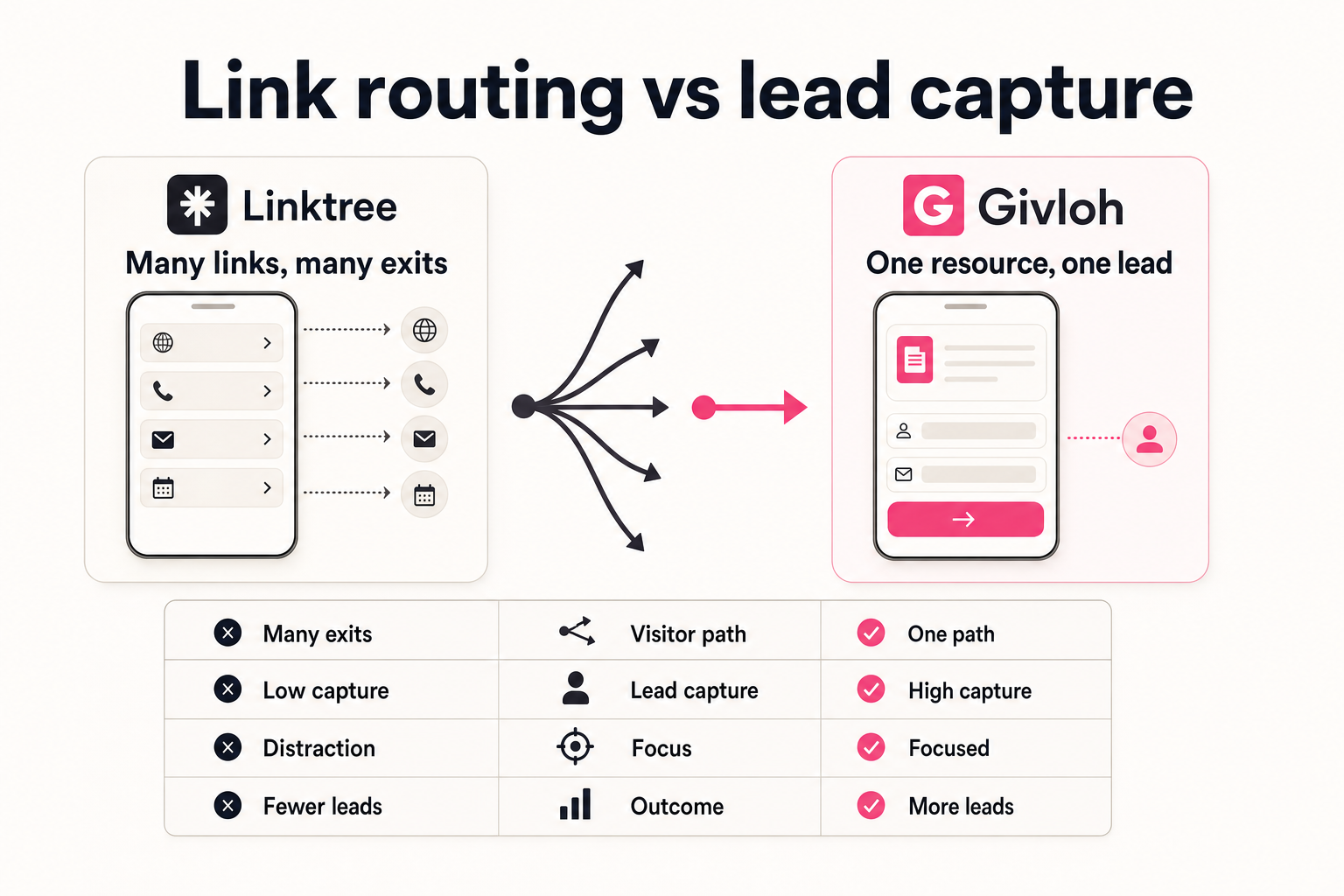
- For most service businesses, the decision is not website versus Givloh. It is anonymous download versus named lead.
What a website download page does well
A normal website page is useful when the business wants a public resource that anyone can read or download. It can be indexed, linked from navigation, and used as a trust asset.
For some resources, that is enough. A public guide, service explainer, or policy document may not need email capture. The goal may be education rather than lead generation.
The weakness appears when the business wants to know who requested the file. A download button alone does not create an owned lead list.
Use a website page when
- The resource should be fully public.
- The main goal is education or SEO visibility.
- The business does not need to deliver a private file.
- The follow-up does not depend on knowing who downloaded it.
- The website already has the right tracking and form setup.
What Givloh adds
Givloh is built for the narrower lead magnet workflow. The business uploads a resource, publishes a focused page, asks for an email before delivery, sends the file automatically, and stores the lead in a dashboard.
That matters for owner-led service businesses because the operational details are usually where the project stalls. A download page may still require form software, file hosting, email delivery, tagging, and manual follow-up.
For the same reason, many businesses compare this workflow with Google Drive vs Givloh for lead magnets.
A website page shares the resource. Givloh turns the resource request into a lead.
Givloh editorial note
The practical comparison
If the resource is a public article, use the website. If the resource is a checklist, template, worksheet, buyer guide, or preparation PDF that should start a sales conversation, use an email-gated workflow.
A website download page can still work for lead capture, but only if the business has already connected the form, file delivery, lead storage, and follow-up. Givloh bundles those steps around the specific resource.
The best test is simple: after someone requests the resource, can the business see the lead, know which file they requested, and reply quickly?
Decision sequence
- Decide whether the file should be public or email-gated.
- List the tools needed after the form is submitted.
- Check whether the lead record will include the resource topic.
- Choose the simplest setup that can deliver the file reliably.
- Review whether the business can follow up within one working day.
Where each option fits
A website download page fits public resources, long educational pages, existing SEO hubs, and assets where follow-up is not needed.
Givloh fits social bio links, QR codes, local posts, LinkedIn posts, partner referrals, and any campaign where the business wants every download to become a named contact.
For a first test, most service businesses should avoid building a custom stack. One resource, one Givloh page, one follow-up process is enough to learn whether the offer creates real enquiries.
Choose Givloh when
- The resource is meant to capture leads, not only educate.
- The business wants to deliver a PDF, checklist, template, or worksheet.
- The link will be shared from social profiles, QR codes, emails, or referrals.
- The owner wants to see which resource created the lead.
- The business does not want to connect a form, file host, and email tool.
Use this as the starting checklist
- Use the website for public education resources.
- Use Givloh when the download should create a named lead.
- Account for file hosting, form capture, delivery, lead storage, and follow-up.
- Avoid anonymous PDF downloads when the resource is close to buying intent.
- Start with one email-gated resource before building a larger stack.
References and useful next reading
Givloh
Turn the resource into a lead capture page.
Upload a guide, checklist, template, or tool. Share one link. Capture the email before the download. No Mailchimp, Zapier, Drive permissions, or landing page builder.
Try Givloh freeFAQ
Is a website download page enough for a lead magnet?
It can be enough if the business already has form capture, file delivery, lead storage, and follow-up connected. If not, the download may stay anonymous.
When should a service business use Givloh instead?
Use Givloh when the business wants to capture an email before file delivery and see the lead tied to the resource requested.
Should every resource be email-gated?
No. Public educational content can stay open. Gate resources that are useful enough to justify follow-up, such as checklists, buyer guides, worksheets, and templates.