
Lead magnet comparisons · 8 min read
WordPress vs Givloh for Lead Magnet Pages
A practical comparison of using WordPress versus Givloh for service-business lead magnet pages, email capture, file delivery, and tracking.
- WordPress can publish a lead magnet page, but the full workflow usually needs forms, email capture, file hosting, delivery rules, tracking, and maintenance.
- Givloh is simpler when a service business wants one resource page, an email gate, automatic file delivery, and a lead dashboard without managing a website stack.
- The practical choice depends on whether the business wants a general website system or a focused lead magnet system it can launch quickly.
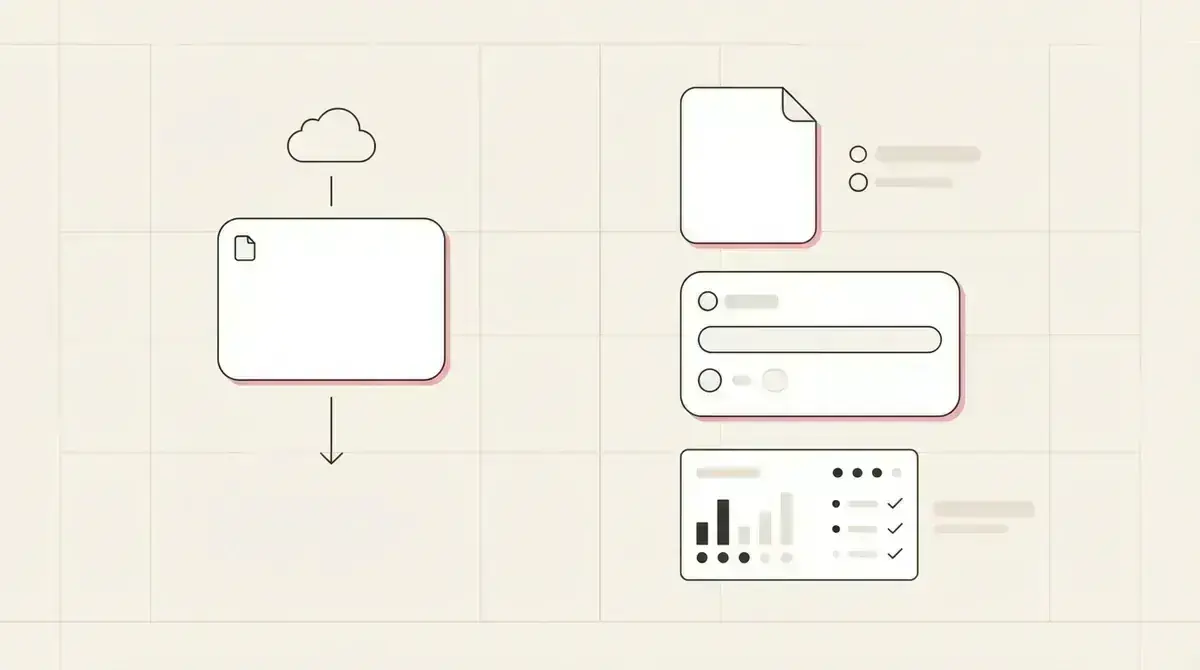
WordPress is a website system
WordPress is a broad publishing and website platform. It can run a service business website, blog, landing pages, forms, plugins, and many other pieces of a marketing stack.
That flexibility is useful when the business has someone to maintain the site. It is less useful when the owner simply wants to offer a PDF, capture an email, and send the file automatically from a social bio link.
For the simpler lead magnet workflow, see how to build a one-resource bio link system.
WordPress can work when
- The business already has a maintained WordPress site.
- A developer or marketer can manage plugins and forms.
- The lead magnet is part of a larger website strategy.
- The business needs custom page layouts or site sections.
- Maintenance, updates, and integrations are already handled.
The lead magnet workflow has more parts than a page
Publishing a page is only one part of a lead magnet system. The business still needs a form, an email gate, file delivery, lead storage, consent wording, tracking, and a follow-up process.
On WordPress, those parts often come from separate plugins or external tools. That can work, but it creates more setup and more places for something to break.
Givloh combines the resource page, capture form, file delivery, and lead list into one workflow built for service-business lead generation.
Typical WordPress lead magnet setup
- Create a page for the resource.
- Add a form plugin or embed.
- Connect the form to an email or CRM tool.
- Host the file or set a delivery email.
- Check whether leads and downloads are tracked correctly.
Choose based on what you need to maintain
If the business already lives in WordPress and has technical support, adding a lead magnet there may be reasonable.
If the business mainly wants to turn social attention into email leads, Givloh removes the need to manage a page builder, form plugin, email delivery tool, and file permissions for a simple PDF offer.
The comparison is similar to landing page builder vs Givloh for lead magnet pages: broad tools can do the job, but they are often more tool than the owner needs.
A service business does not need a full website project every time it wants to test one useful resource.
Givloh editorial note
Use Givloh for fast resource tests
A good first lead magnet test should be small. One resource, one page, one email field, one delivery flow, and one lead list.
That makes it easier to learn which topics create demand before investing in a larger website or campaign build. Once the business knows which resource works, it can decide whether to add the offer to the main website later.
For follow-up after the first download, read lead magnet follow-up email for service businesses.
Use Givloh when you want
- A resource page live quickly.
- Email capture before download.
- Automatic file delivery.
- A clear lead list without plugin setup.
- A link that works from social profiles, posts, QR codes, and email signatures.
Use this as the starting checklist
- Use WordPress when the lead magnet belongs inside an already maintained website system.
- Use Givloh when the main goal is fast email capture and file delivery.
- Avoid building a full page stack before testing whether the resource gets demand.
- Check that every download creates a named lead, not just a page view.
- Keep the follow-up tied to the resource the person requested.
References and useful next reading
Givloh
Turn the resource into a lead capture page.
Upload a guide, checklist, template, or tool. Share one link. Capture the email before the download. No Mailchimp, Zapier, Drive permissions, or landing page builder.
Try Givloh freeFAQ
Can WordPress be used for lead magnet pages?
Yes. WordPress can publish lead magnet pages, but the business usually still needs forms, file delivery, email capture, tracking, and maintenance.
Why use Givloh instead of WordPress for a lead magnet?
Givloh is built for one focused workflow: upload a resource, share a link, capture the email, deliver the file, and record the lead without managing website plugins.
Should I put my lead magnet on my main website?
You can, especially if the website is already maintained. For fast social and QR-code tests, a dedicated Givloh page is often simpler.