
Lead capture comparisons · 8 min read
DocSend vs Givloh for Lead Magnets
A plain-English comparison for service businesses choosing between document sharing with analytics and a dedicated lead magnet capture page.
- DocSend is built around controlled document sharing and engagement analytics for files.
- Givloh is built around a narrower service-business workflow: host a resource page, capture the email, deliver the file, and store the lead.
- For a checklist, guide, worksheet, or template shared from a social bio link, Givloh is usually the simpler fit.
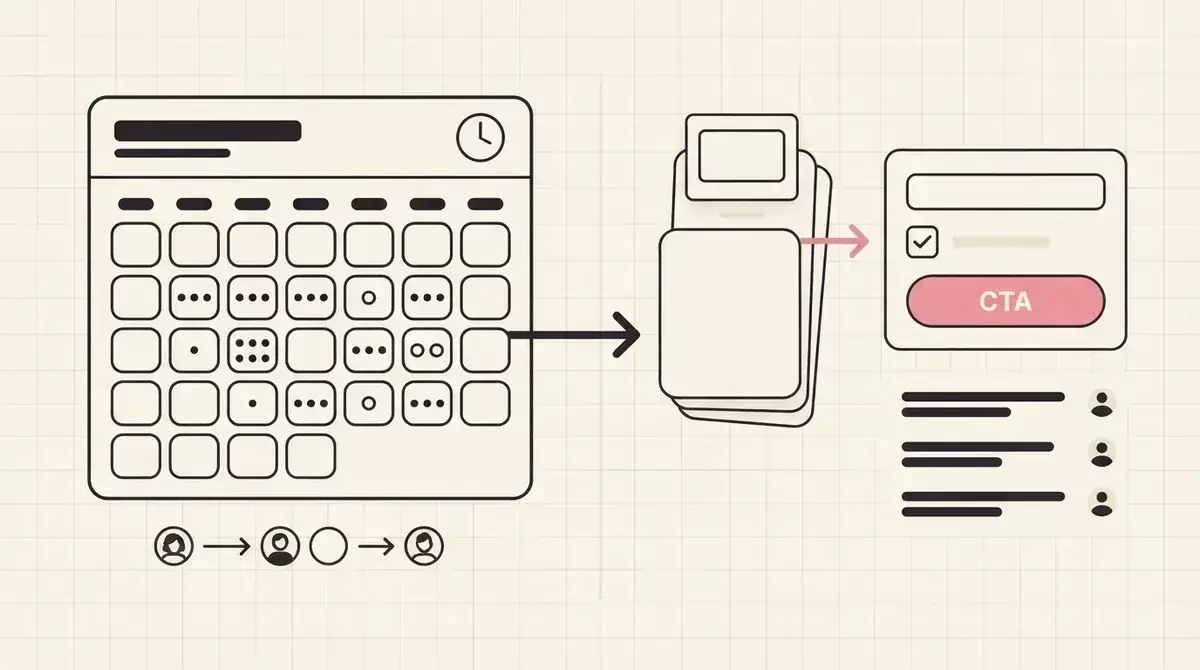
Compare the workflow, not just the file
DocSend and Givloh both involve sharing a document, but the surrounding workflow is different. DocSend is useful when the business needs controlled document access and engagement insight around a file.
Givloh is narrower. It is for service businesses that want to offer a useful resource from Instagram, LinkedIn, Facebook, a QR code, or an email signature, then capture the email before the file is delivered.
If the main job is secure sales document sharing, DocSend may make sense. If the main job is turning a free checklist or guide into a lead capture page, Givloh removes extra setup.
The practical distinction
- DocSend: document sharing, access control, and engagement analytics.
- Givloh: email-gated resource pages for service-business lead capture.
- DocSend: strong when the file itself needs controlled sharing.
- Givloh: strong when the resource is a public lead magnet.
- DocSend: broader for document workflows. Givloh: simpler for bio link lead magnets.
What the visitor expects from a lead magnet
A lead magnet visitor usually expects a clear promise, a short page explaining what they will receive, a simple email form, and immediate delivery. They do not want to feel as if they have entered a sales document workflow.
For service businesses, the page around the resource matters. A homeowner downloading a checklist, a buyer downloading a guide, or a business owner downloading a worksheet needs context before giving an email.
This is the same reason public file links often underperform, covered in PDF download page vs Givloh for lead magnets and Google Drive vs Givloh for lead magnets.
A lead magnet needs a page that sells the usefulness of the resource before it asks for the email.
Givloh editorial note
Where each option fits
| Need | Better fit | Why |
|---|---|---|
| Share controlled sales documents | DocSend | Built for document access and engagement tracking |
| Offer a free checklist from a social bio link | Givloh | Resource page, email gate, delivery, and lead list in one flow |
| Track how a prospect engages with a proposal or deck | DocSend | File engagement is central to the workflow |
| Replace Drive, a form, and a landing page for a simple lead magnet | Givloh | Consolidates the capture and delivery steps |
| Build several service-specific resource pages | Givloh | Each download carries context into follow-up |
Decision sequence
- Decide whether the document is a controlled sales asset or a public lead magnet.
- If it is a lead magnet, write the page around the visitor's problem.
- Keep the form short so the resource remains easy to request.
- Use the downloaded topic as follow-up context.
- Choose controlled document sharing only when file access and engagement tracking are the main job.
Why service businesses often need the narrower tool
Most small service businesses are not trying to manage a deal room or proposal workflow when they share a free resource. They are trying to turn social interest into a named lead they can follow up with.
Givloh is built around that narrower job. Upload a resource, publish a page, capture the email, deliver the file, and see the lead. The business does not have to combine a file tool, a form, a landing page builder, and a spreadsheet.
For setup guidance, see how to turn a checklist into a lead capture page and how to build a one-resource bio link system.
Choose Givloh when
- The offer is a checklist, guide, worksheet, template, or simple tool.
- The visitor arrives from a bio link, local campaign, QR code, or referral link.
- The business needs an email before file delivery.
- The page needs to explain why the resource is worth requesting.
- The business wants a simple lead list tied to the resource.
Use this as the starting checklist
- Use DocSend when controlled document sharing and file engagement analytics are the main job.
- Use Givloh when a service business wants to gate and deliver a public lead magnet.
- Write the lead magnet page around the visitor's problem, not the file format.
- Keep the form short and use the resource topic for follow-up.
- Avoid stitching together several tools when the goal is a simple email-gated resource.
References and useful next reading
Givloh
Turn the resource into a lead capture page.
Upload a guide, checklist, template, or tool. Share one link. Capture the email before the download. No Mailchimp, Zapier, Drive permissions, or landing page builder.
Try Givloh freeFAQ
Is DocSend good for lead magnets?
DocSend can share documents and track engagement, but a service business that needs a simple email-gated checklist, guide, or worksheet may find Givloh more focused.
What is the main difference between DocSend and Givloh?
DocSend is built around document sharing and engagement analytics. Givloh is built around hosted lead magnet pages, email capture, file delivery, and lead tracking.
When should a service business choose Givloh instead of a document sharing tool?
Choose Givloh when the resource is meant to capture leads from social, local, partner, or QR code traffic and the business wants a simple page plus automatic delivery.