
Tool comparisons · 8 min read
Docusign vs Givloh for Lead Magnets
A plain-English comparison for service businesses deciding whether Docusign or Givloh is the right tool for lead magnet delivery and email capture.
- Docusign is built for sending, signing, and managing agreements, forms, and documents that need formal completion.
- Givloh is built for service businesses that want to publish a free resource, capture the visitor's email, and deliver the file automatically from one bio or social link.
- Use Docusign when the job is agreement workflow. Use Givloh when the job is turning a guide, checklist, or template into a lead capture page.
Compare the job before comparing features
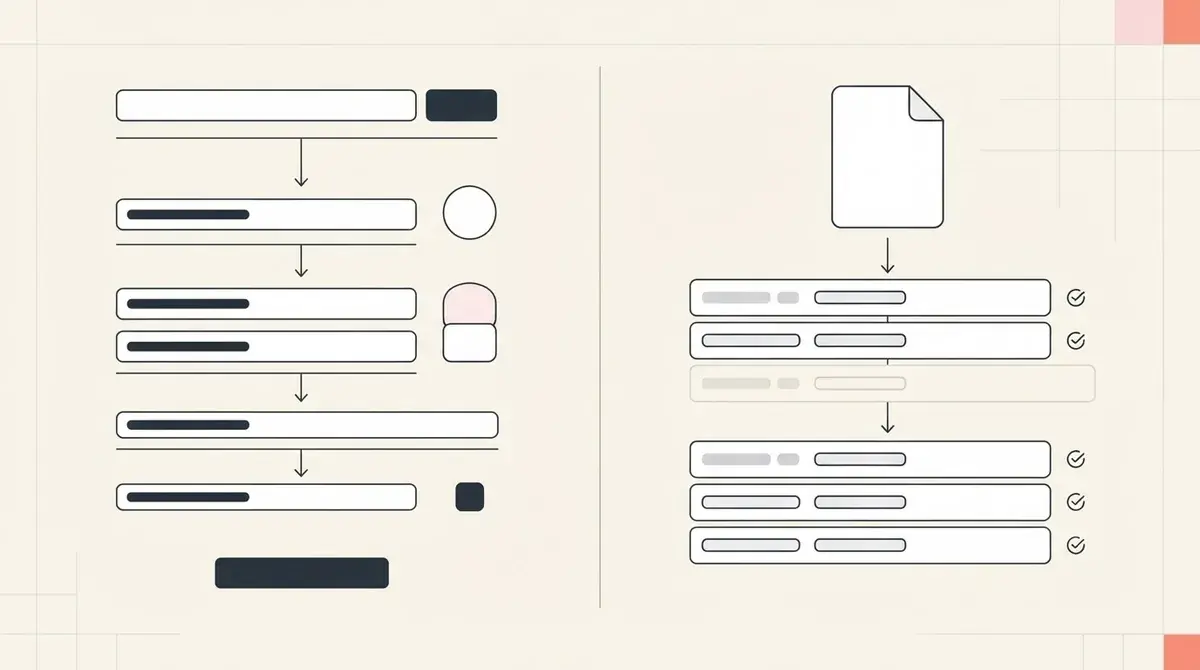
Docusign and Givloh can both sit near documents, but they solve different jobs. Docusign is for formal document workflows: signatures, forms, agreements, completion records, and business processes where the document itself needs action.
Givloh is for acquisition. A service business uploads a free checklist, guide, template, or tool, shares one link from social media, and captures the email before the file is delivered.
If the visitor is already a client and needs to sign something, Docusign may be the right tool. If the visitor is a prospect and the business wants a contactable lead, Givloh is the better fit.
Short version
- Choose Docusign for agreements, signatures, formal forms, and contract workflows.
- Choose Givloh for free resource pages, email capture, file delivery, and lead lists.
- Do not use a signature workflow as a casual lead magnet gate.
- Do not use an open PDF link when the business needs to capture the lead.
- Use both if the lead later becomes a client who needs formal documents.
Where Docusign fits
Docusign's eSignature product is designed around sending and signing documents. Its Web Forms product is designed for mobile-friendly forms that can feed agreement processes.
Those are useful business workflows, especially for professional services, property, finance, legal, HR, and operations teams. They are not the same as publishing a low-friction resource from a bio link.
For a cold or warm social visitor, asking for a signature or long form too early can create friction. A lead magnet should usually ask for only the information needed to deliver the resource and start follow-up.
A signature tool starts when the customer is ready to complete a document. A lead magnet starts before they are ready to buy.
Givloh editorial note
Where Givloh fits
Givloh is intentionally narrower. It gives a service business a hosted page for a free resource, an email gate, automatic file delivery, a lead list, and analytics in one place.
That matters when the resource is promoted from Instagram, LinkedIn, Facebook, Google Business Profile, a QR code, or an email signature. The business does not need a separate landing page builder, file host, email tool, and automation connector.
For a resource workflow example, see how to turn a consultation questionnaire into a lead magnet.
Simple decision path
- Is the document a contract, agreement, consent form, or formal completion workflow? Consider Docusign.
- Is the document a free guide, checklist, template, or prep sheet for prospects? Use Givloh.
- Does the business need to capture the email before delivery? Use Givloh.
- Does the prospect need to sign or complete a formal form? Use Docusign.
- After a Givloh lead becomes a client, move formal documents into the right agreement workflow.
Avoid forcing prospects into heavy workflows
A service business lead magnet works because it is simple. The visitor wants a useful PDF, gives an email, receives the file, and can be followed up with properly.
Adding extra fields, signatures, account steps, or formal workflow language can reduce completion unless there is a genuine compliance or onboarding reason for it.
For other file-delivery comparisons, see Google Drive vs Givloh for lead magnets and website download page vs Givloh for lead magnets.
Use Givloh when the resource is
- A checklist for a homeowner, patient, client, or prospect.
- A guide that explains how to prepare for a consultation.
- A template that qualifies interest before a call.
- A seasonal safety, maintenance, or renewal reminder.
- A social bio resource intended to build an email list.
Use this as the starting checklist
- Define whether the document is a prospect resource or a formal agreement.
- Use Docusign for signing, agreement, and formal form workflows.
- Use Givloh for email-gated resource delivery and lead capture.
- Keep the lead magnet form short unless more data is genuinely needed.
- Move qualified leads into agreement tools only after the sales step requires it.
References and useful next reading
Givloh
Turn the resource into a lead capture page.
Upload a guide, checklist, template, or tool. Share one link. Capture the email before the download. No Mailchimp, Zapier, Drive permissions, or landing page builder.
Try Givloh freeFAQ
Is Docusign a lead magnet tool?
Docusign is primarily built for electronic signatures, forms, and agreement workflows. It can handle documents, but it is not focused on simple social lead magnet delivery.
When should a service business use Givloh instead of Docusign?
Use Givloh when the business wants to publish a free guide, checklist, template, or tool, capture the visitor's email, and deliver the file automatically.
Can a business use both Docusign and Givloh?
Yes. Givloh can capture and qualify leads with free resources, while Docusign can handle formal documents later when a lead becomes a client.